Using your Edger...Usual procedure
3-32
LTO
3.2.3 GRAVITECH™ OPTICAL PLOTTER
3.2.3.1 LENS TRACING
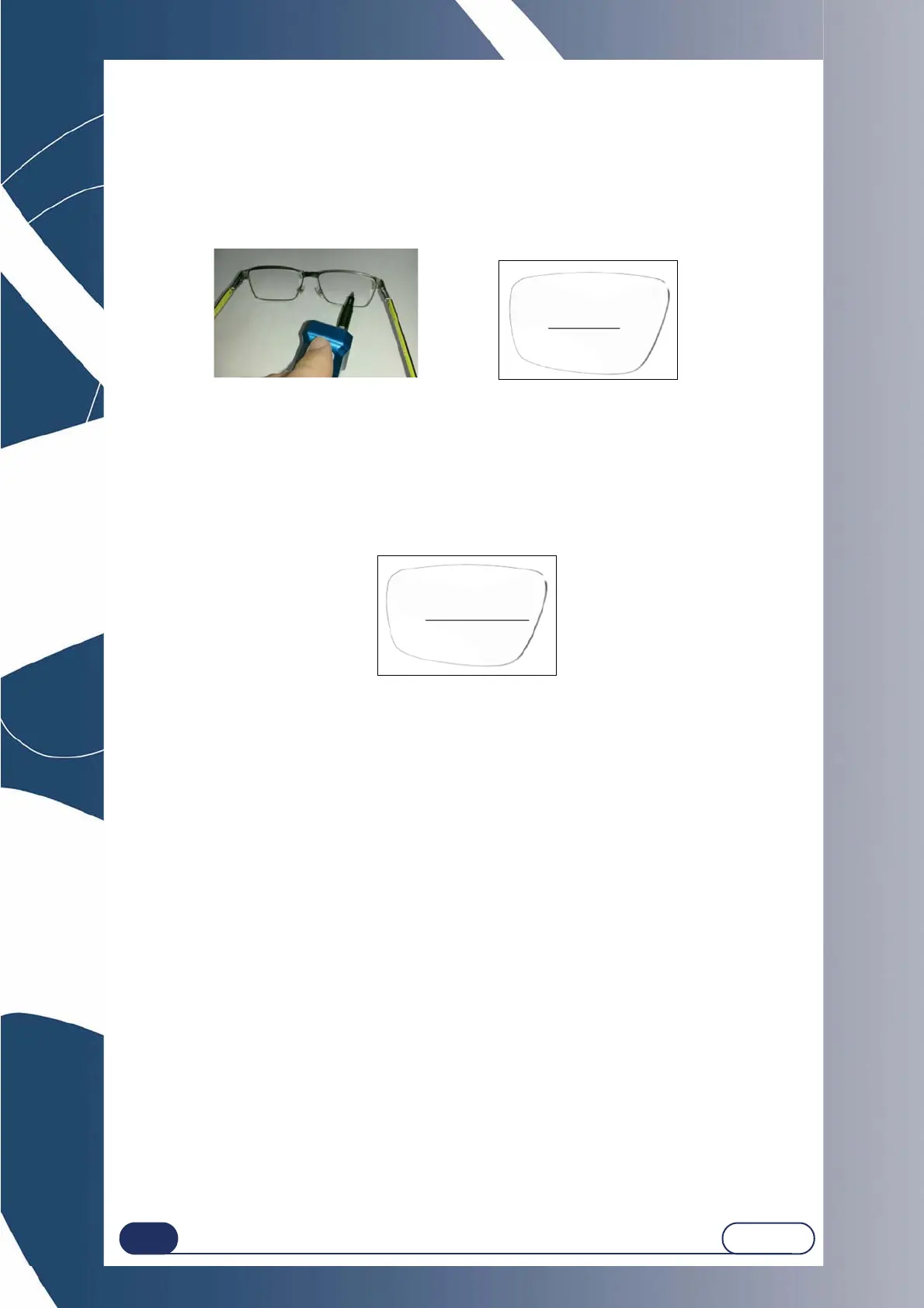
First draw the frame axis using the tool and the felt-tip pen supplied in the accessory case.
Refer to the unpacking guide supplied with your machine.
Illustration 3-3 : Tracing a lens
It is possible to configure the side's automatic detection. To do this, make the longer line on the nose side.
The line must be offset on the nose side (see diagram), and the automatic detection option must be activated.
Line offset on nose side
Illustration 3-4 : Offset tracing of a lens



 To Next Page