Using your Edger...Usual procedure
3-38
LTO
3.2.3.3 ENTERING THE BRIDGE VALUE
After completing the validation (by pressing the key ) , you will be redirected to the main screen.
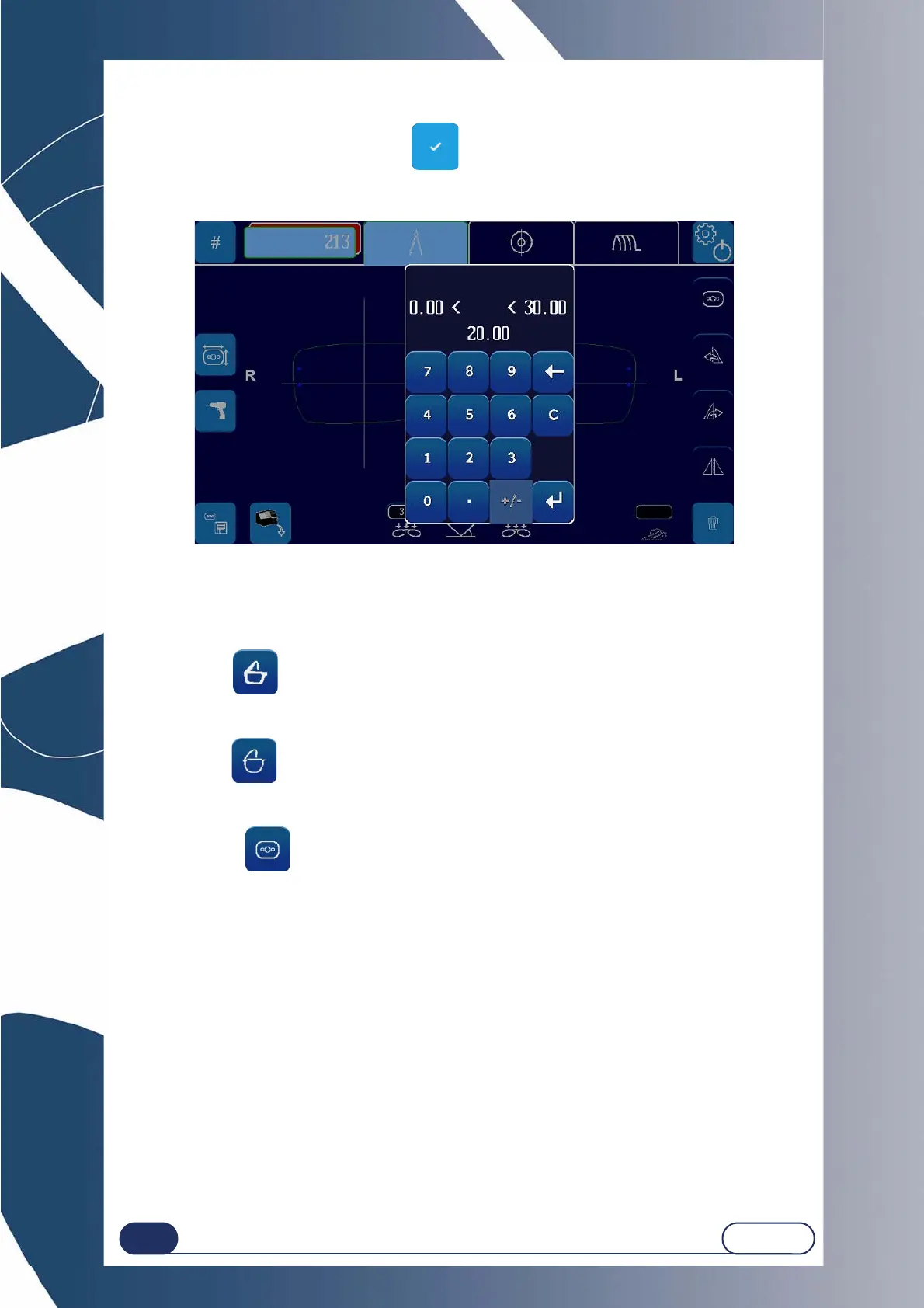
The numeric keypad is displayed automatically in order to enter the bridge value of the frame (by default, the
value is 20 mm).
Screen 3-13 : Bridge value entry screen
3.2.3.4 CHOOSING THE FRAME
Once the bridge value has been entered, you must select the frame type.
The frame type shall enable the corresponding oversize dimensions to be applied to the edging.
Plastic frame: .
For this frame, the edging oversize will be the addition of the plastic frame oversize and the overall oversize.
By default, the edging finishing type shall be "Bevel-Auto-Without Polishing".
Metal frame: .
For this frame, the edging oversize shall be the overall oversize.
By default, the edging finishing type shall be "Bevel-Auto-Without Polishing".
Rimless frame: .
For this frame, the edging oversize shall be the overall oversize.
By default, the edging finishing type shall be "Rimless-With Polishing".



 To Next Page