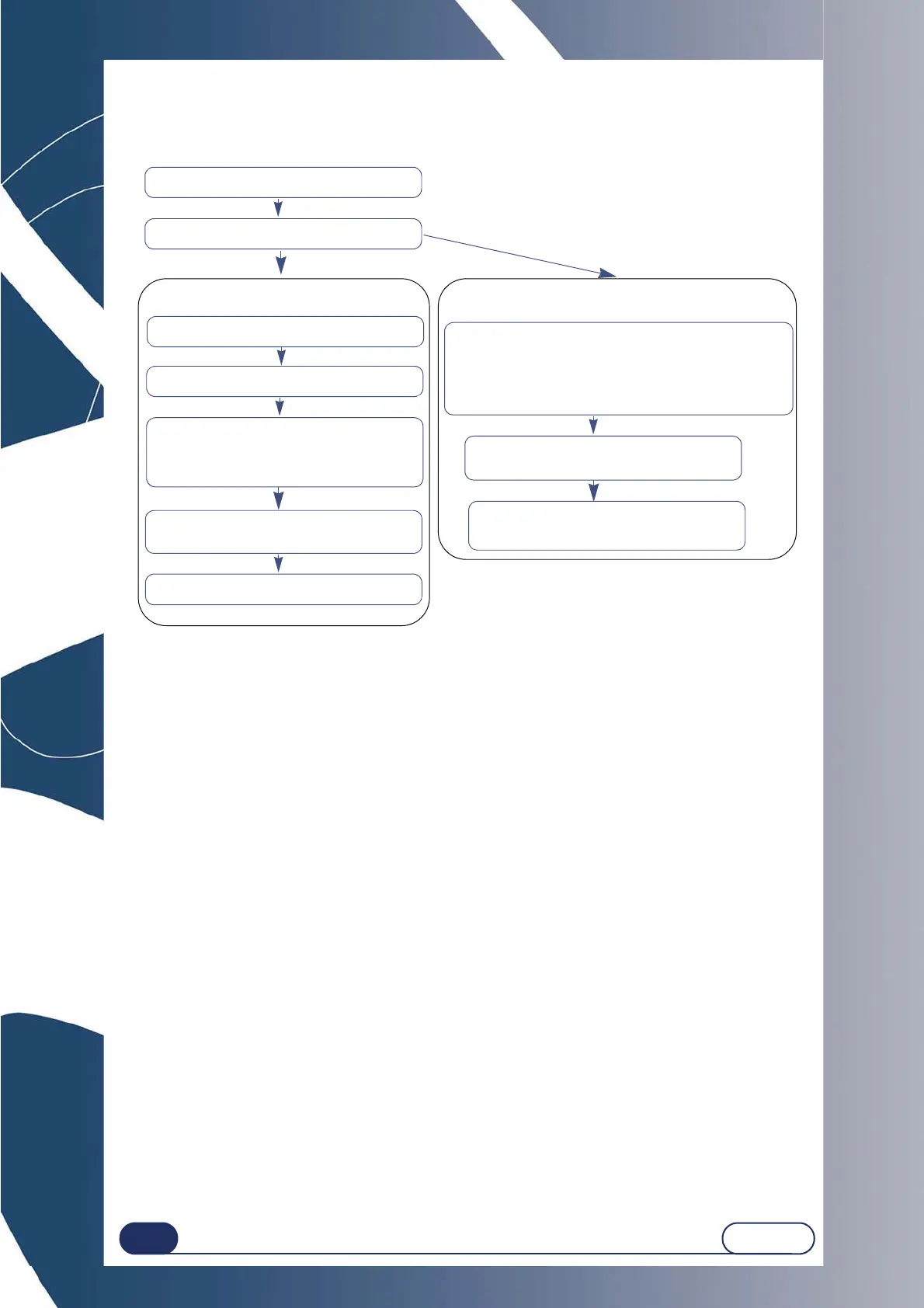
Using your Edger...Usual procedure
Create a job
Enter the new a job number.
Select the frame type.
Insert the pattern or the demonstration lens that has
been blocked on the frame holder
NOTE : The lower part of the pattern should push the
centering nose and the lower parts should be positio-
ned between the Scanform clips Scanform
Select the side(s) to be entered.
Select the entry type:
Automatic insertion
Semi-automatic insertion
Put the frame in the Scanform, and close
the jaws
Launch the entry for the frame data
Launch the entry for the pattern or
demonstration lens
the keypad is displayed, enter the value
of the frame bridge
Entering the frame data
Entering a pattern



 To Next Page