Maintenance...Maintenance of the Scanform unit
5-98
LTO
5.5.3 REPLACING THE FRAME CLIP TUBES
To replace the frame clip tubes, proceed as follows:
5.5.4 REPLACING THE CENTERING PLATE
To replace the centering plate, proceed as follows:
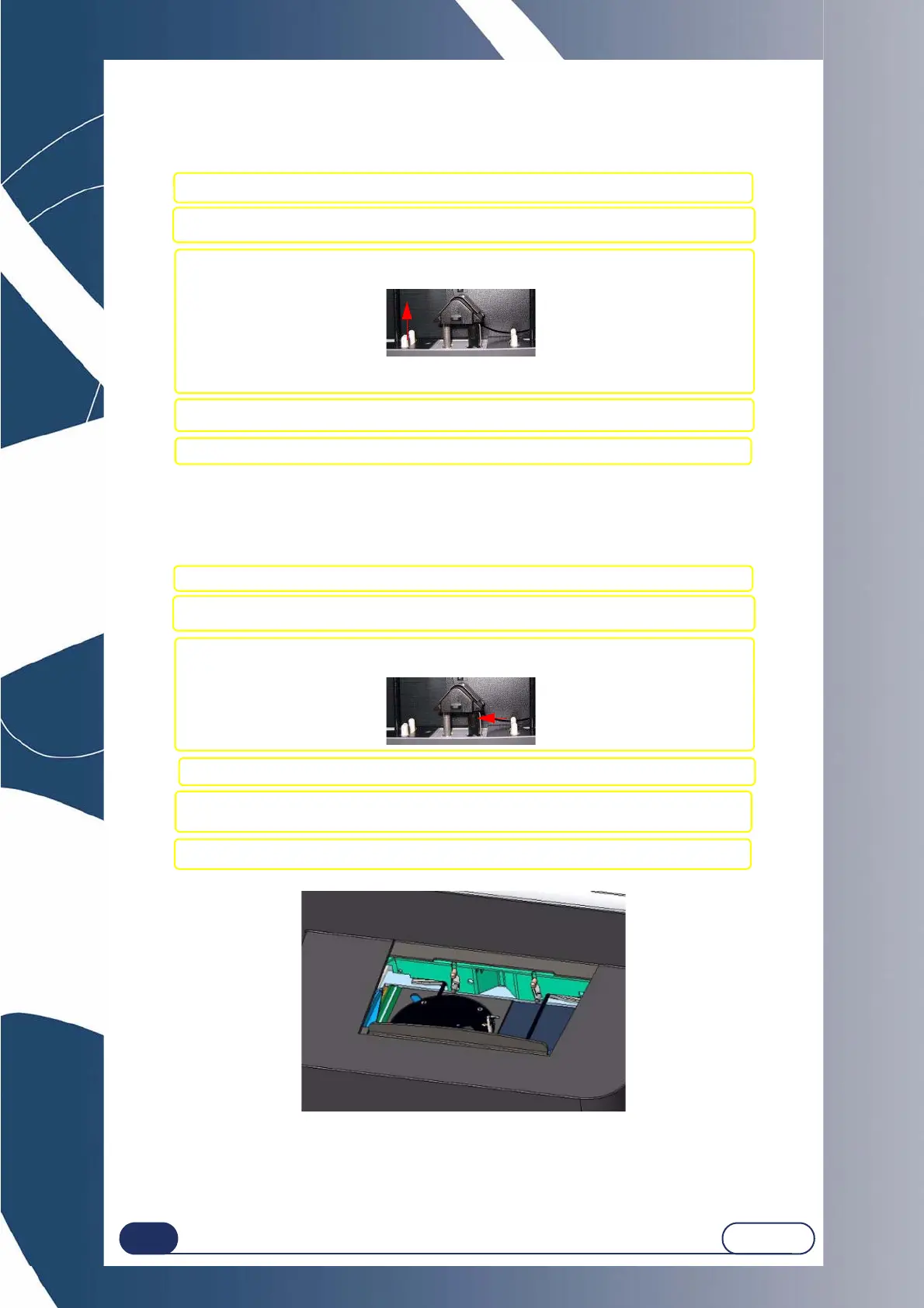
Illustration 5-1: Scanform
#1 Switch OFF the machine if it is ON.
#2 Manually open the Scanform™ and hold it in this position without applying force.
#3 Exert horizontal traction on the frame clip tube you want to replace
(example (Figure 1)) in order to remove it.
NOTE: Only the upper frame clip tubes can be replaced.
#4 Fit the new frame clip tube (make sure the tube is engaged fully home in its shaft).
#5 Release the pressure on the Scanform™.
#1 Switch OFF the machine if it is ON.
#2 Manually open the Scanform™ and hold it in this position without applying force.
#3 Lightly press on the pin of the holding hook (A) (Figure 1) to disengage the centering
plate.
#4 Remove the centering plate from its housing.
#5 Fit the new centering plate:
Push it down until the holding hook is in position.
#6 Release the pressure on the Scanform™.



 To Next Page