Using your Edger...Special case
3-71
LTO
3.3.3.3 VISUALISE A FINISHING
3.3.3.3.1 SITUATION
You are not sure about the finishing position and wish to visualise it before it is run.
3.3.3.3.2 PROCEDURE
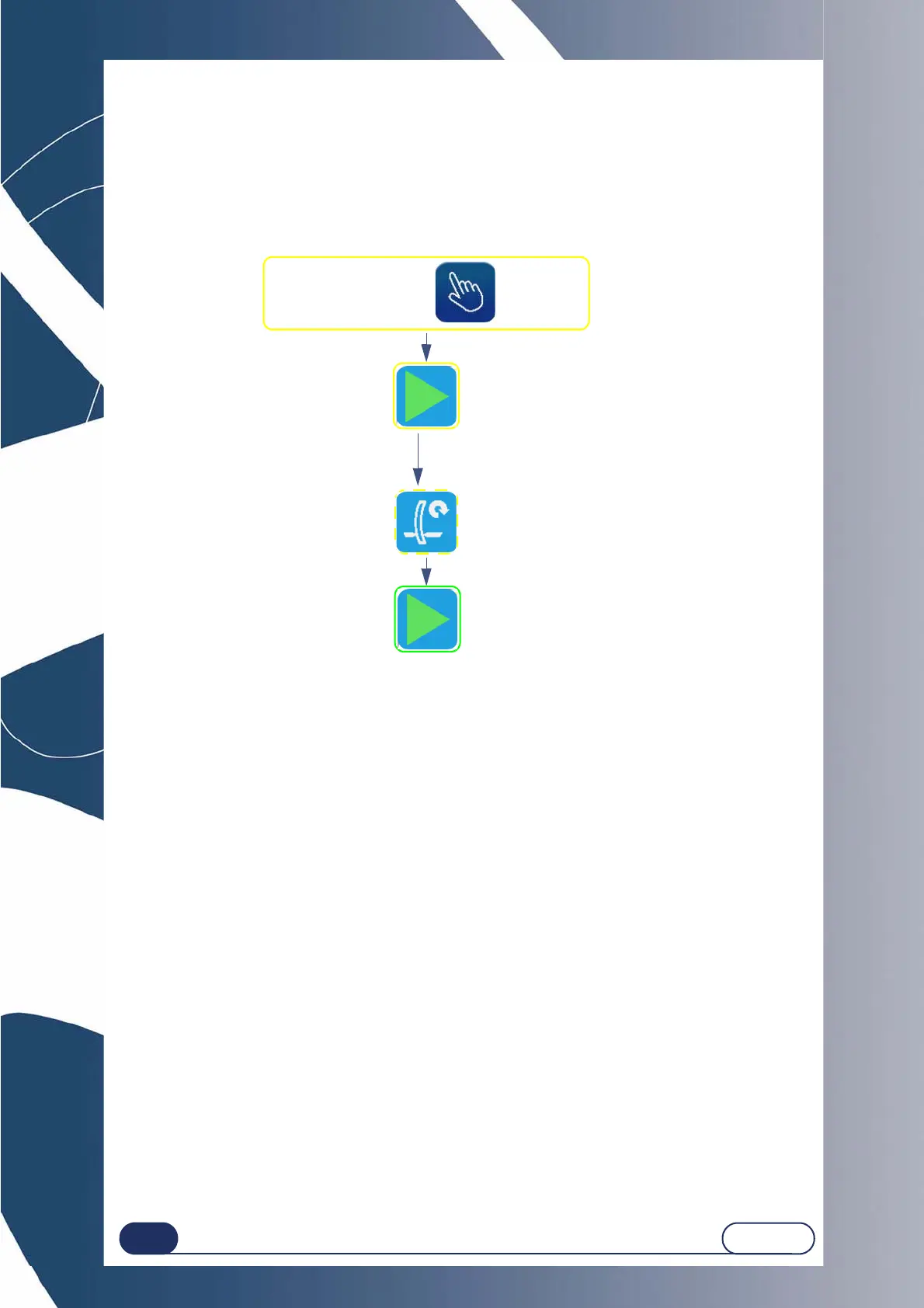
After opening the job and entering the characteristics, proceed as follows:
Flow chart 3-7 : Finishing visualisation screen
3.3.3.3.3 SPECIAL CASES
After the lens feeling, you may have been redirected automatically to the manual finishing screen for the following
reasons:
The bevel or the groove are outside the lens;
The bevel is too far back;
Irregular points were detected during feeling.
In this case, scan the lens profile to visualise the position of the bevel compared to the lens thickness.
You may also reposition the finishing: see “Place a finishing manually”, page 72.
Check that finishing = .
Restart feeling
if necessary
At the end of the lens feeling cycle,
the manual finishing screen is displayed.
Starting the finishing cycle once
the position has been defined.



 To Next Page