Using your Edger...Special case
[If desired]
Restart of feeling, if
necessary
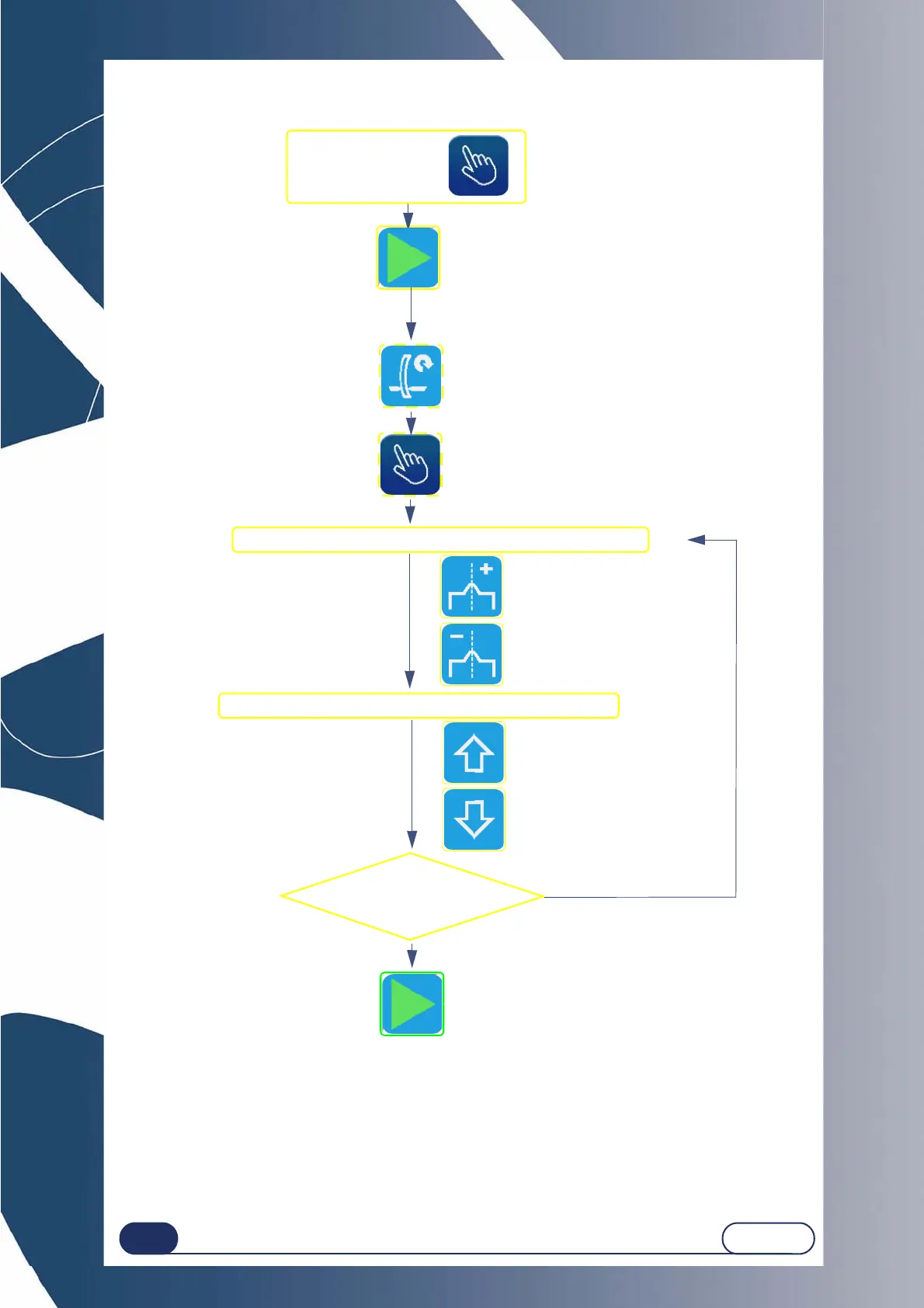
The manual finishing screen is displayed.
By default, the apex of the bevel is positioned at 1/3
of the lens thickness from the front face.
Move the bevel apex and position it as you wish.
[To the rear]
[To the front]
[To the front]
[To the rear]
Check that finishing= .
Position
the bevel apex at
another point ?
Yes
No
Move the bevel apex and position it as you wish.
Starting the finishing cycle
once the position has been defined



 To Next Page