262335 18 Revision A
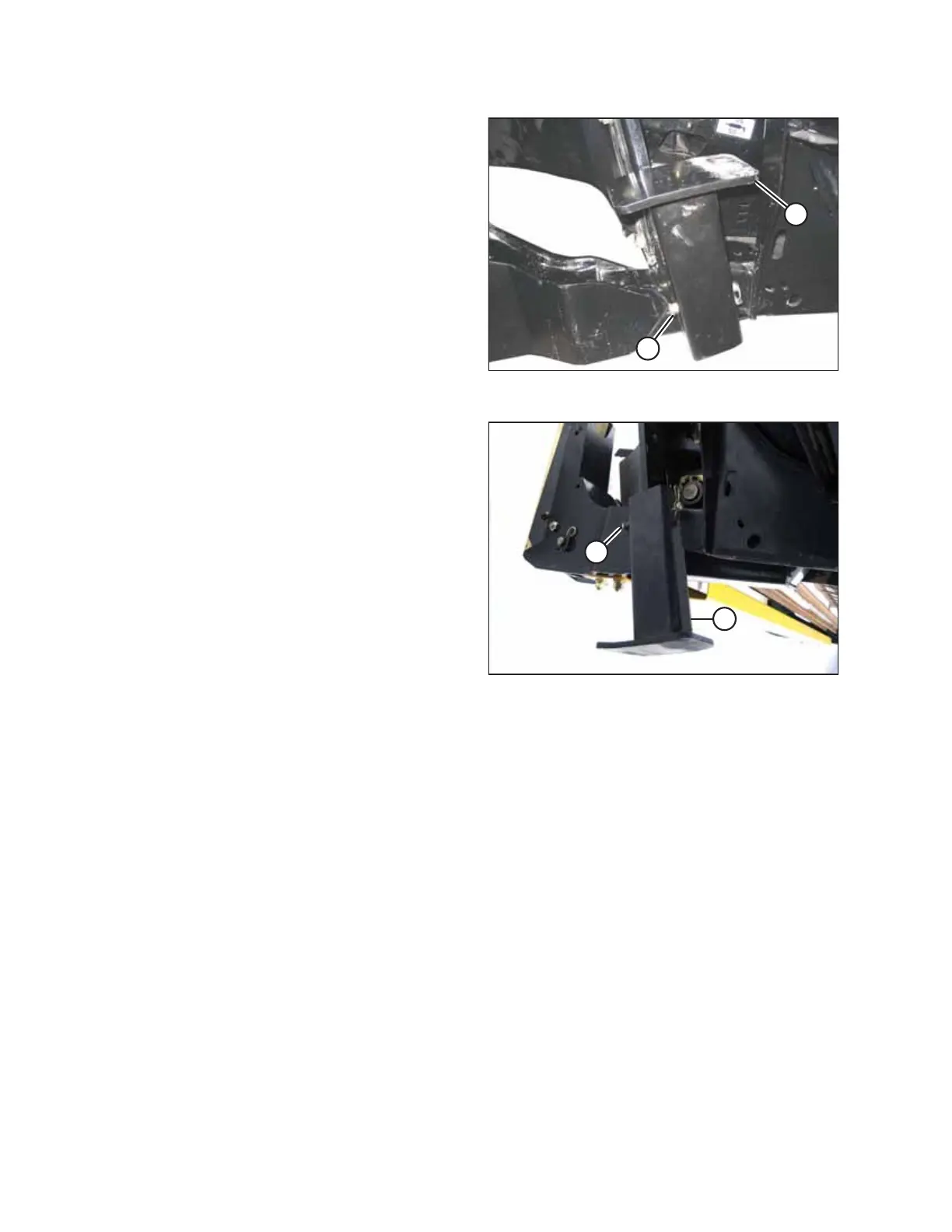
Figure 3.13: Header Stand in Shipping Position
8. Remove the lynch pin from clevis pin (A) in header stand at
the right side of the header.
9. Hold stand (B) and remove clevis pin (A).
Figure 3.14: Header Stand
10. Invert stand (A) and reinstall on the header leg in upper
hole location with clevis pin (B). Secure clevis pin (B) with
lynch pin.
NOTE:
In soft conditions, use a wooden block under the stand.
11. Lower the header onto stand (A).
ASSEMBLING THE MACHINE



 To Next Page