214327 5 Revision B
1.4 Maintenance Safety
Protect yourself when maintaining machinery.
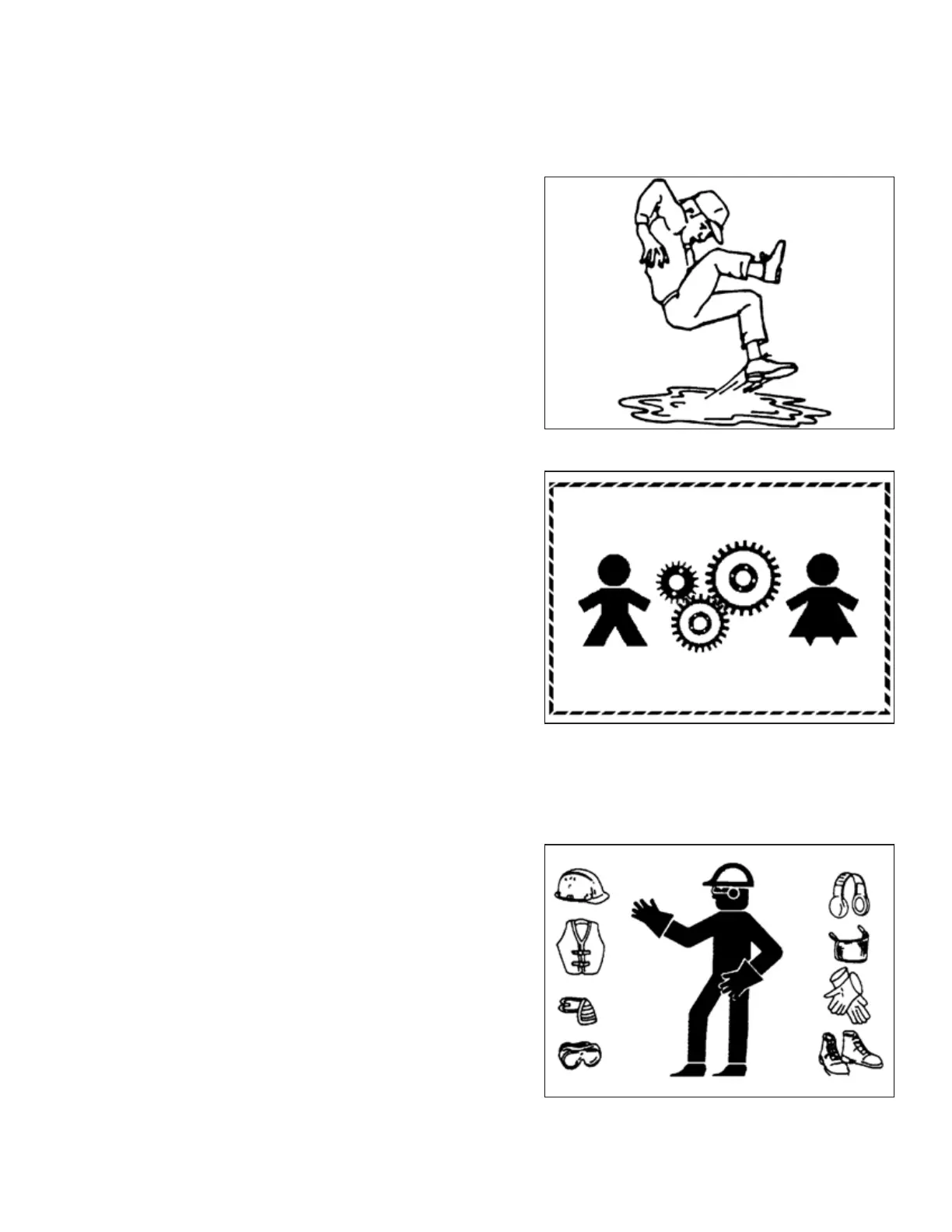
Figure 1.8: Safety around Equipment
To ensure your safety while maintaining the machine:
• Review the operator’s manual and all safety items before
operating or performing maintenance on the machine.
• Place all controls in Neutral, stop the engine, set the parking
brake, remove the ignition key, and wait for all moving parts
to stop before servicing, adjusting, or repairing the machine.
• Follow good shop practices:
– Keep service areas clean and dry
– Ensure that electrical outlets and tools are properly
grounded
– Keep the work area well lit
Figure 1.9: Equipment is NOT Safe for Children
• Relieve pressure from hydraulic circuits before servicing
and/or disconnecting the machine.
• Ensure that all components are tight and that steel lines,
hoses, and couplings are in good condition before applying
pressure to hydraulic systems.
• Keep hands, feet, clothing, and hair away from all moving
and/or rotating parts.
• Clear the area of bystanders, especially children, when
carrying out any maintenance, repairs, or adjustments.
• Install the transport lock or place safety stands under the
frame before working under the machine.
• If more than one person is servicing the machine at the
same time, be aware that rotating a driveline or another
mechanically driven component by hand (for example,
accessing a lubricant fitting) will cause drive components in
other areas (belts, pulleys, and knives) to move. Stay clear of
driven components at all times.
Figure 1.10: Safety Equipment
• Wear protective gear when working on the machine.
• Wear heavy gloves when working on knife components.
SAFETY



 To Next Page