214327 132 Revision B
Lubricating the Header
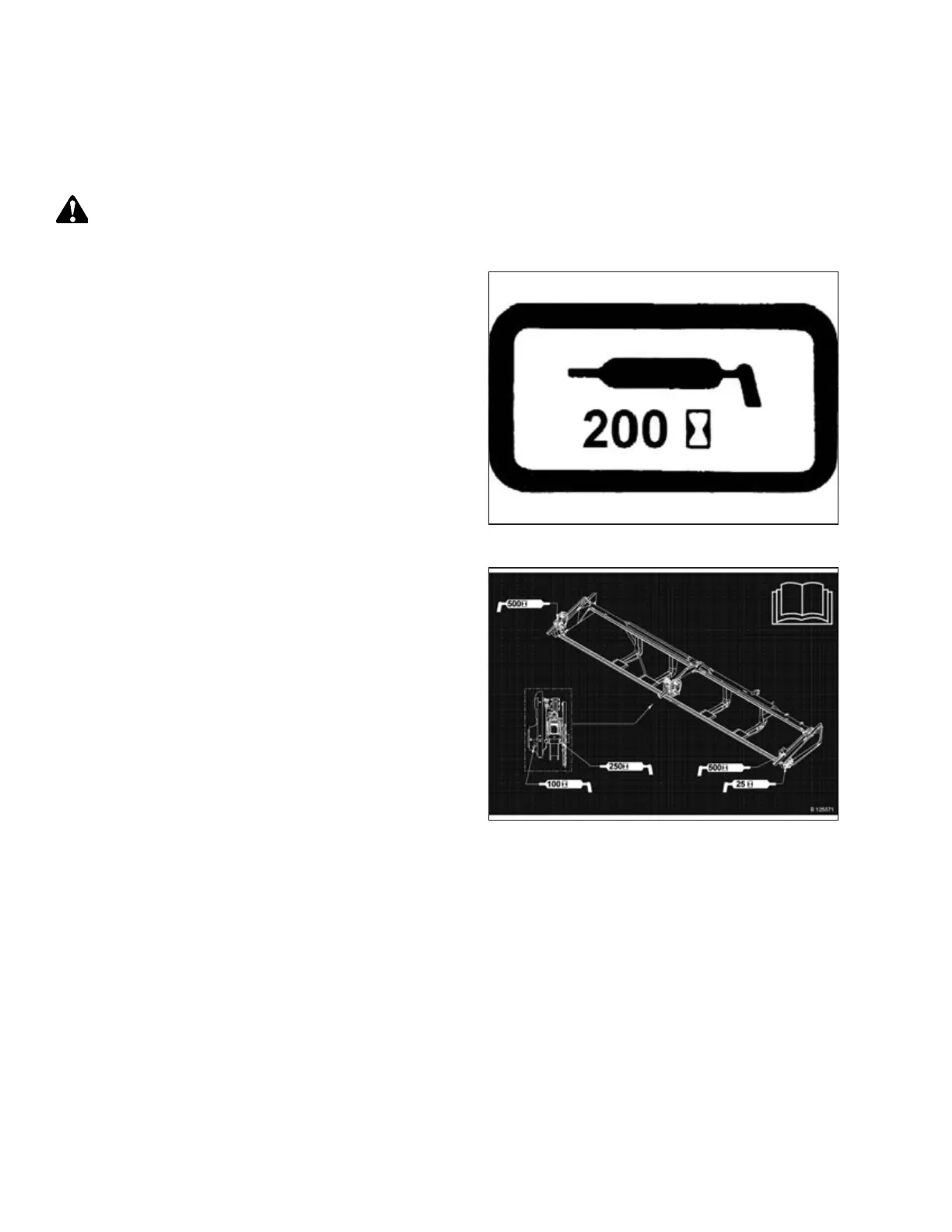
Greasing points are marked on machine by decals showing a grease gun and grease interval in hours of operation. Master
grease point location decals are provided on header.
DANGER
To prevent bodily injury or death from the unexpected start-up of the machine, always stop the engine and remove the
key from the ignition before leaving the operator’s seat for any reason.
Figure 5.12: Greasing Interval Decal
Refer to the inside back cover for recommended lubricants.
Log hours of operation and use the Maintenance Record
provided to keep a record of scheduled maintenance. Refer to
5.3.1 Maintenance Schedule/Record, page 122.
Figure 5.13: Single-Knife Header Master Grease
Point Decal
1. Wipe the grease fitting with a clean cloth before greasing to
avoid injecting dirt and grit.
2. Inject grease through the fitting with grease gun until
grease overflows the fitting (except where noted).
3. Leave excess grease on the fitting to keep out dirt.
4. Replace any loose or broken fittings immediately.
5. Remove and thoroughly clean any fitting that will not take
grease. Also clean the lubricant passageway. Replace fitting
if necessary.
6. Use high temperature, extreme pressure (EP2) performance
with 1% max molybdenum disulphide (NLGI Grade 2)
lithium base unless otherwise specified.
MAINTENANCE AND SERVICING



 To Next Page