Page 142
REPAIR INSTRUCTIONS, PART 1
7. If necessary, remove the belt tension idler
bracket.
8. Remove the alternator/compressor
mounting bracket.
Thermostat and Cover Removal
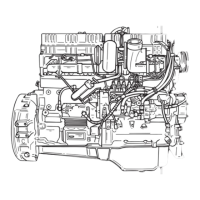
177
Figure 177 — Thermostat and Cover
1. Remove the fasteners and the thermostat
cover from the cylinder head.
2. Remove the thermostat from the cylinder
head.
3. Carefully clean the thermostat seat and all
cylinder head-to-cover mating surfaces.
Coolant Pump Removal
[ 215 SW, SG, SR]
1. Remove the fasteners, belt tensioner and
idler bracket from the front of the cylinder
block.
2. Remove the coolant pump fasteners and the
coolant pump from the housing.
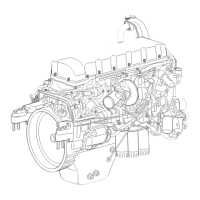
178
Figure 178 — Coolant Pump and Housing
3. Remove and discard the coolant pump seal.
1. Cylinder Head
2. Thermostat
3. Thermostat Cover
1. Coolant Pump Housing 2. Coolant Pump


 To Next Page