MLA System USER GUIDE
MLA System User Guide V2.1 301
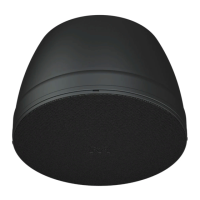
Each DD12 icon in the overview screen features a Martin Audio logo. Double-clicking on this will illuminate the LED on the cabinet
front grille to assist in identifying each DD12 which is very useful when multiple units are deployed.
There are a number of functions available by right clicking on a cabinet icon;-
‘Open’ functions in exactly the same way as double clicking on the cabinet icon and opens the DD12 overview screen to allow
detailed control and monitoring
‘Rename’ as with any other device allows the cabinet to be given a name of up to 50 characters;-


 To Next Page
 Loading...