MLA System USER GUIDE
MLA System User Guide V2.1 418
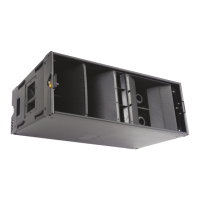
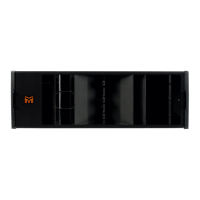
You can now add the third cabinet exactly as the second. Wheel it up behind the array; you will need to pull the cables clear to
position the cabinet. Attach the rear rigging brackets to the holes indicated by your Display 2.1 project, remove the front rigging
pins, lift the array until the third box is just off the floor, remove the wheelboard and swing the cabinet up so the bracket from
the second cabinet engages in the hole in the top of the third and insert a rigging pin.

 To Next Page
 Loading...