98 CONTENTS
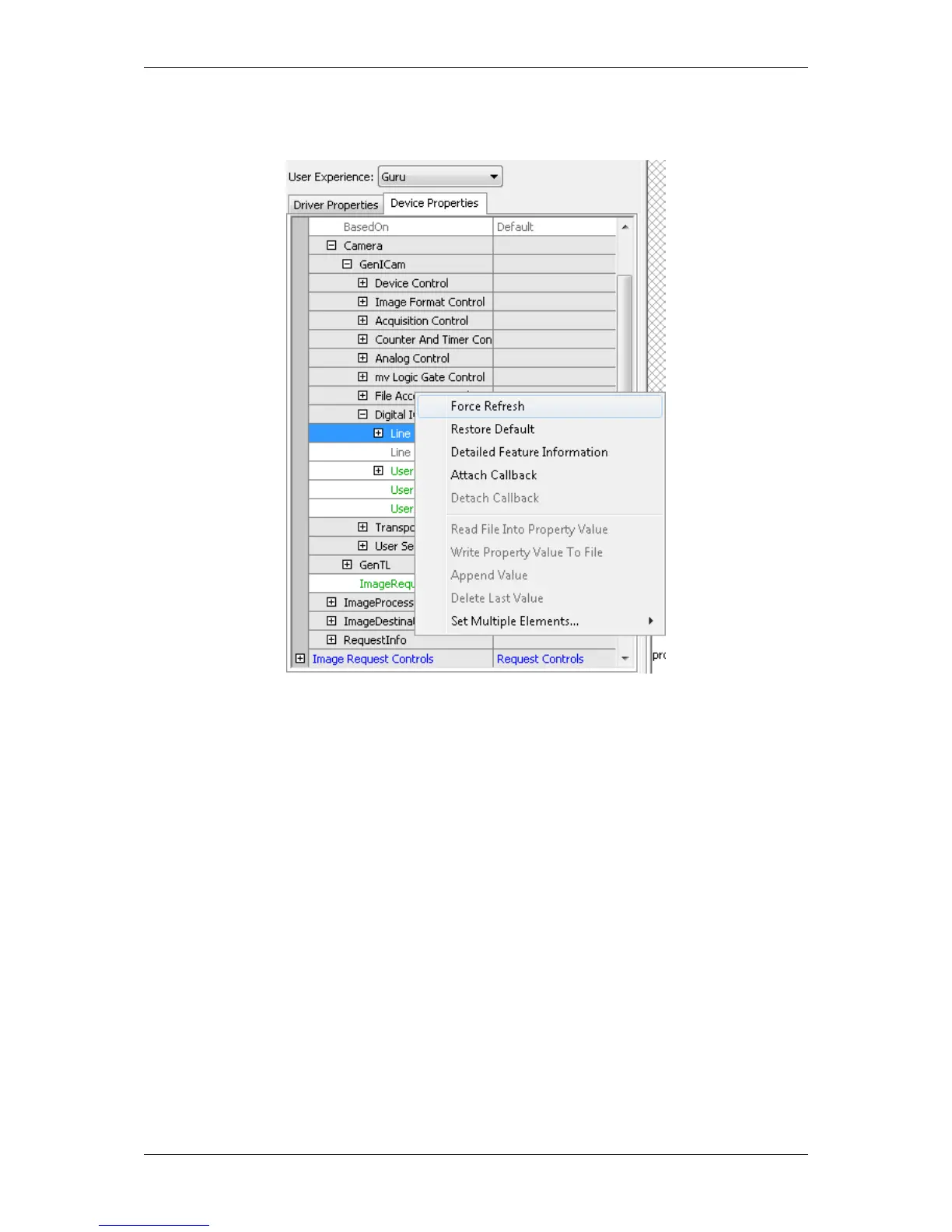
Figure 24: wxPropView - Call refresh
12.1.2.5 Saving user settings in the non-volatile flash memory
The mvBlueFOX3 camera offers the possibility, to save up to 4 user sets in the camera's flash memory directly.
This means that all camera specific settings you've adjusted via wxPropView (p. 74) can be saved in a non-volatile
memory.
Example: You have connected a flash via exposure out of the camera and you want to avoid an overload of the
flash by maloperation, you can save a suitable shutter time, with which the camera will start.
To save your specific settings, set you properties in the "Setting -> Camera -> GenICam" section of wxPropView
(p. 74). Then, select in "User Set Control" your user set with the "User Set Selector", for example "UserSet1".
Afterwards, save the user set with "int UserSetSave()". Finally, if you want that the camera starts with a specific
user set (after power up), you have to select it with the "User Set Default Selector".
MATRIX VISION GmbH



 To Next Page