206 CONTENTS
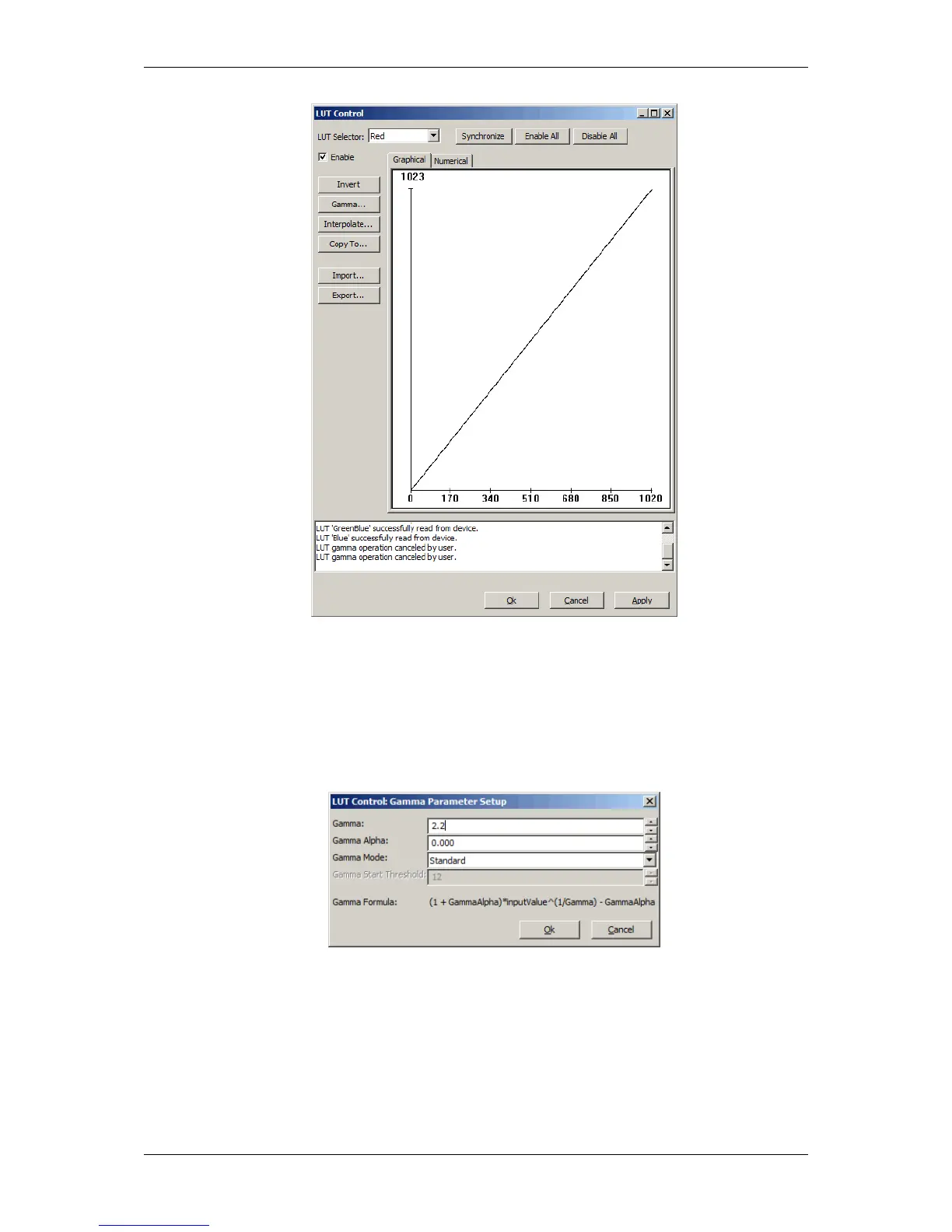
Figure 6: LUT Control
3. Now, click on the "Gamma..." button
4. and enter e.g. "2.2" as the Gamma value:
Figure 7: Gamma Parameter Setup
5. Then, click on "Copy to..." and select "All" and
6. and click on "Enable All".
7. Finally, click on Synchronize and play the settings back to the device (via "Cache -> Device").
MATRIX VISION GmbH



 To Next Page