20.3 Improving the acquisition / image quality 221
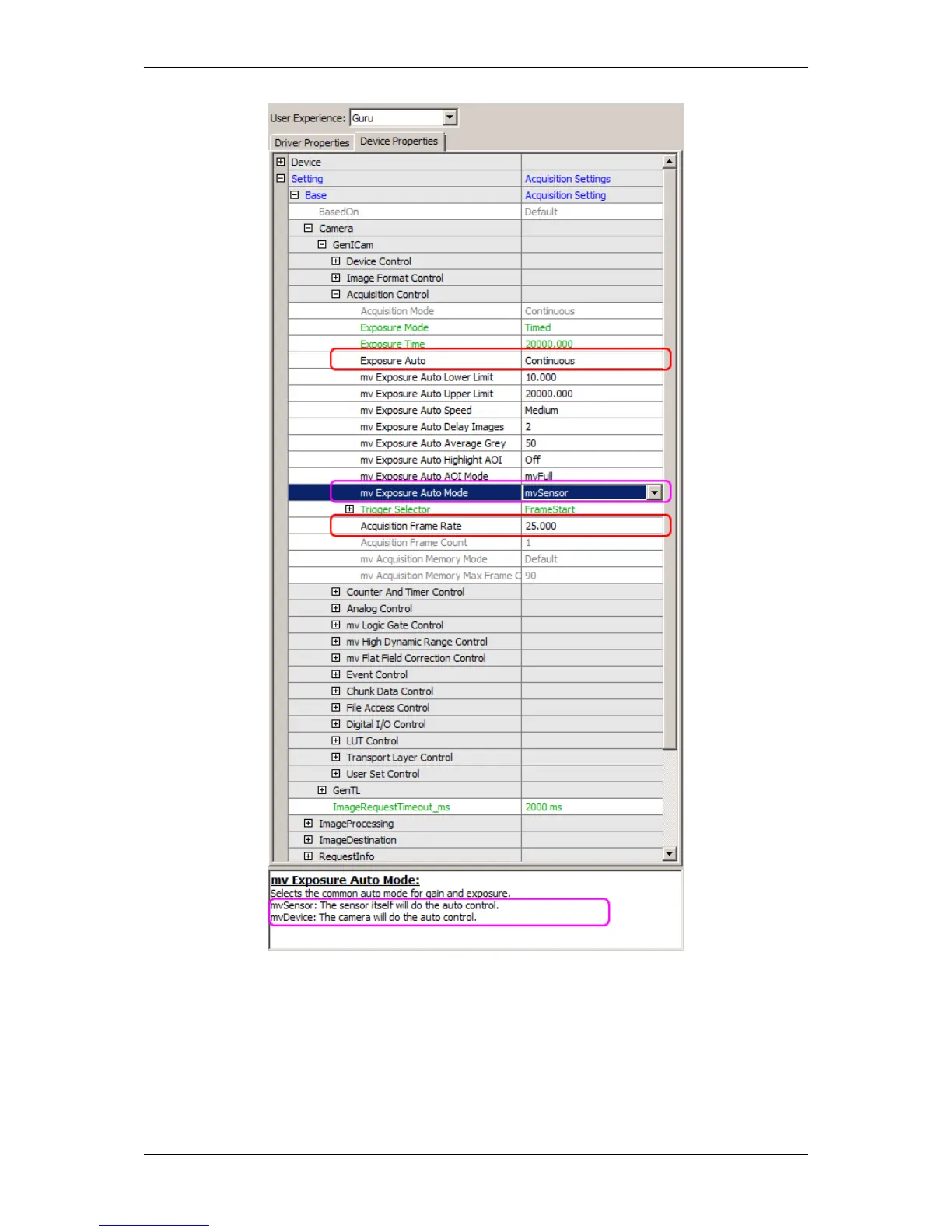
Figure 1: wxPropView - Auto expose is turned on and the frame rate is set to 25 fps
20.3.4.2 Example of using a timer for external trigger
Figure 2 shows how to generate a 25 Hz signal, which triggers the camera:
• "Setting -> Base -> Camera -> GenICam -> Counter & Timer Control -> Timer Selector -> Timer 1":
MATRIX VISION GmbH



 To Next Page