258 CONTENTS
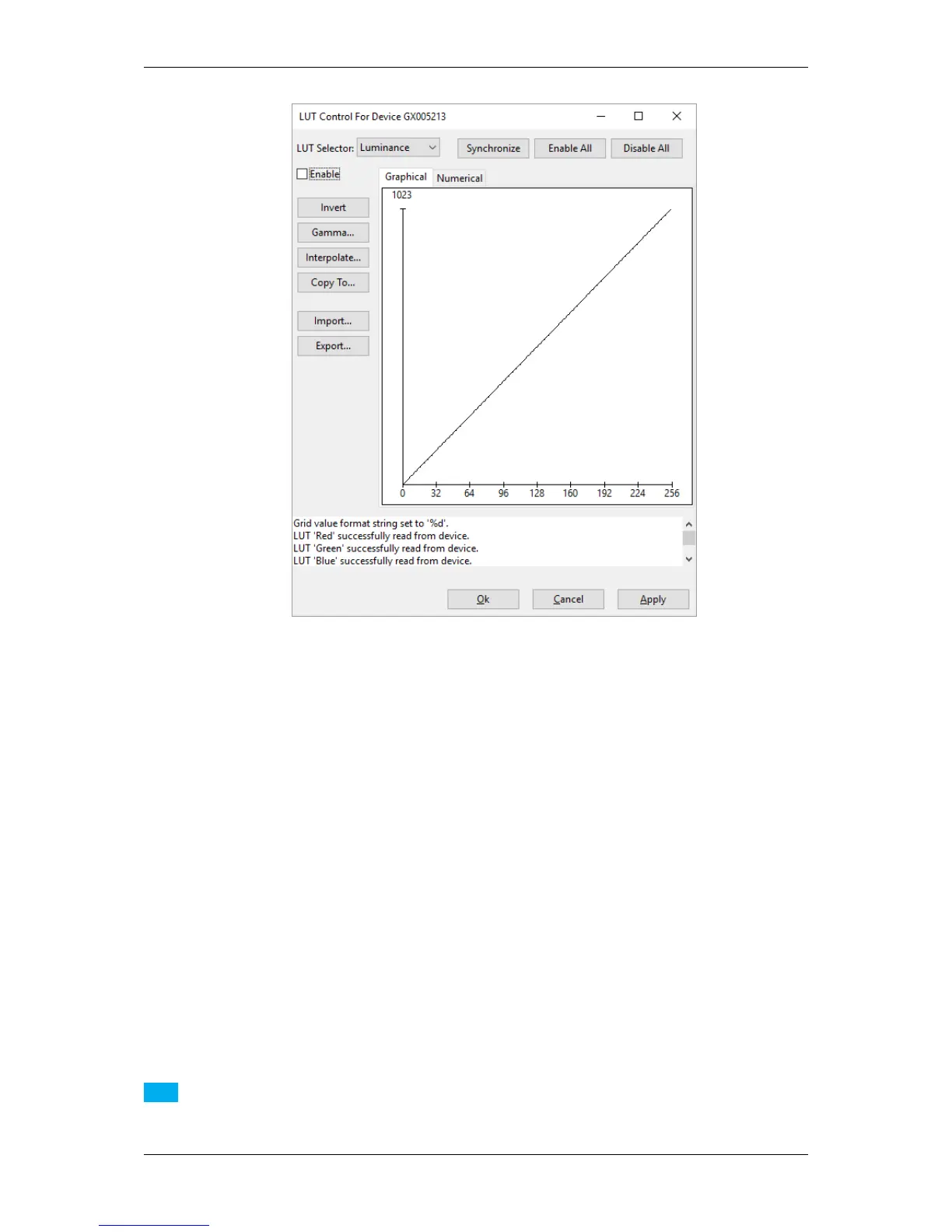
Figure 3: wxPropView - LUT Control wizard dialog
It is easy to change settings like the Gamma value of the Luminance or of each color channel (in combination with
a color sensor of course) with the help of the wizard. You can also invert the values of each pixel with the wizard. It
is not possible to set a LUT mode and the "mv LUT Mapping" is fixed.
Make your changes and do not forget to
1. click on "Copy to..." and select "All" or the color channel you need, to
2. click on "Enable All", and finally, to
3. click on Synchronize and play the settings back to the device (via "Cache -> Device").
Note
If you select "Enable All" without entering any value the image will be inverted.
MATRIX VISION GmbH



 To Next Page