88 CONTENTS
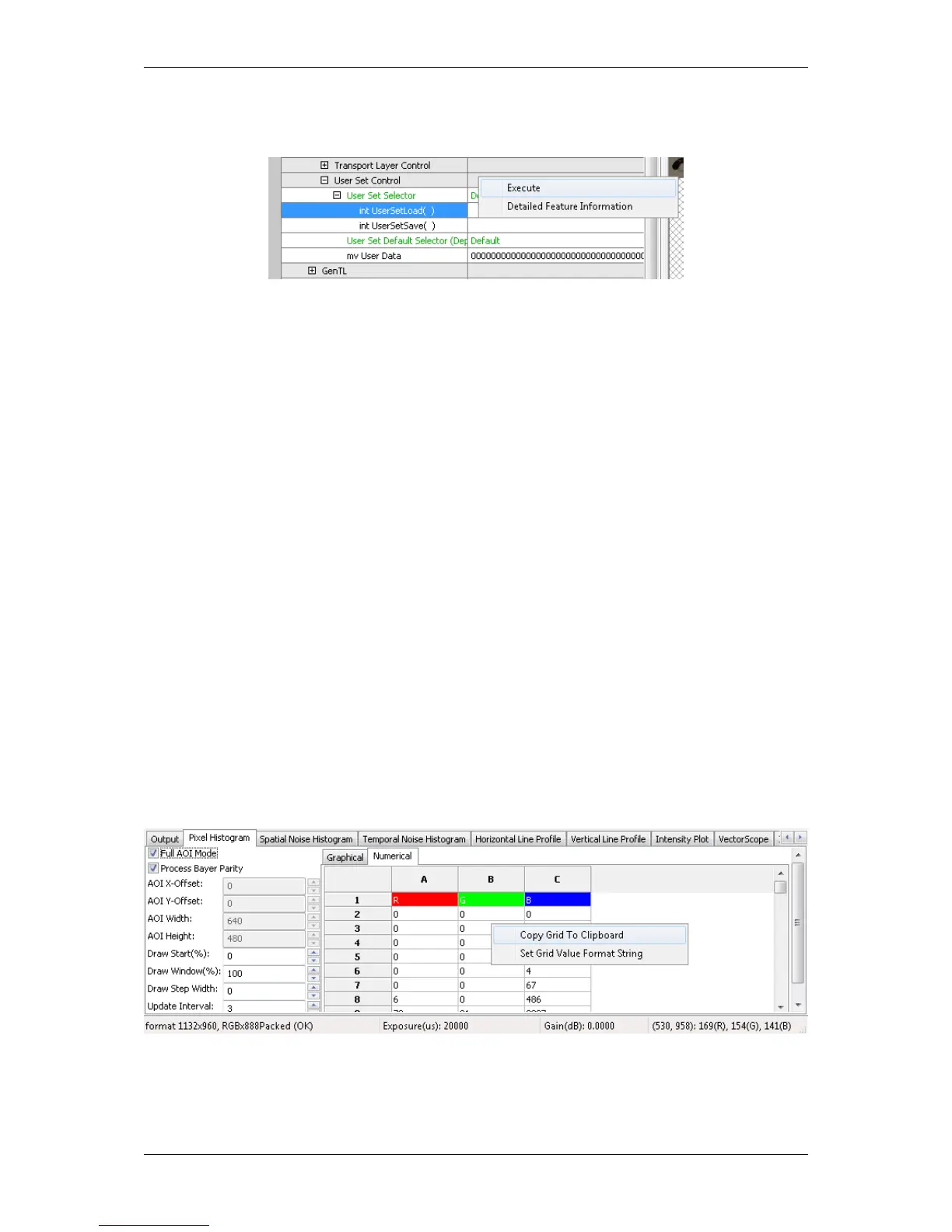
Figure 12:wxPropView - Calling a method object
Parameters can be passed to methods by selecting the edit control left of a method object. Separate the parameters
by blanks. So to call a function expecting a string and an integer value you e.g. might enter "testString 0"
into the edit control left of the method.
The return value (in almost every case an error code as an integer) will be displayed in the lower right corner of the
tree control. The values displayed here directly correspond the error codes defined in the interface reference and
therefore will be of type TDMR_ERROR or TPROPHANDLING_ERROR.
12.1.1.7 Copy grid data to the clipboard
Since wxPropView (p. 74) version 1.11.0 it is possible to copy analysis data to the clipboard. The data will be copied
in CSV style thus can be pasted directly into tools like Open Office™ or Microsoft® Office™.
Just
• right-click on the specific analysis grid when in numerical display mode and
• select "Copy grid to clipboard" from the pop up menu.
Figure 13:wxPropView - Copying grid data to the clipboard
MATRIX VISION GmbH



 To Next Page