Page 89
Serial Interface RS422
optoNCDT 1700
8.5.20 Enable / Lock the Flash for Setting Masters and the Mid-point
Name: WriteFlashZero
Description: This command enables or locks saving the master values into the flash.
Parameter:
X = parameter value ( 0; 1 ) 0 = lock Flash 1 = enable Flash
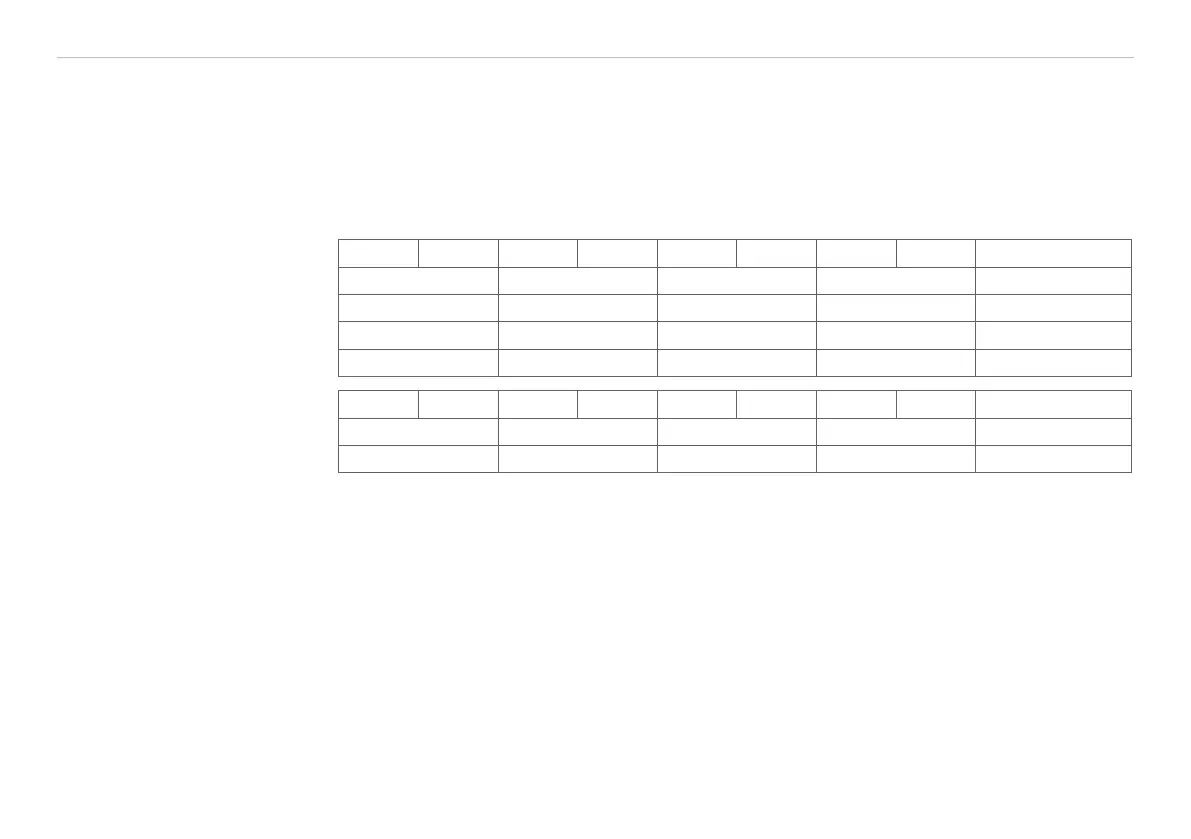
Format: 31 24 23 16 15 8 7 0 hex
„+“ „+“ „+“ 0x0d („CR“) 0x2B2B2B0D
„l“ „L“ „D“ „1“ 0x494C4431
0x20 0x61 0x00 0x03 0x20610003
0x00 0x00 0x00 0x0X 0x0000000X
Reply: 31 24 23 16 15 8 7 0 hex
„l“ „L“ „D“ „1“ 0x494C4431
0xA0 0x61 0x00 0x02 0xA0610002
Advices:
The command WriteFlashZero should be used by applications, which set before every measuring process
mastering and mid-point automatically through the external input line, see Chap. 6.7, see Chap. 6.8. It will do,
that the command “Lock Flash“ will be sent once.
The values for master and mid-point are saved at “Lock Flash“ only in the RAM of the sensor and get lost by
switching-off the sensor. When switching-on the before saved master and mid-point values or the factory
setting, see Chap. A 2, are loaded. The command “WriteFlashZero“ itself is non-volatile. The setup “Lock
Flash“ also survive after switching-off.
The command “WriteFlashZero“ only influences the setting masters and mid-point. All the others flash
operations were applied as before.
The factory setting:
“Flash enabled“


 To Next Page