© Microhard Systems Inc. 48
4.0 WebUI Configuration
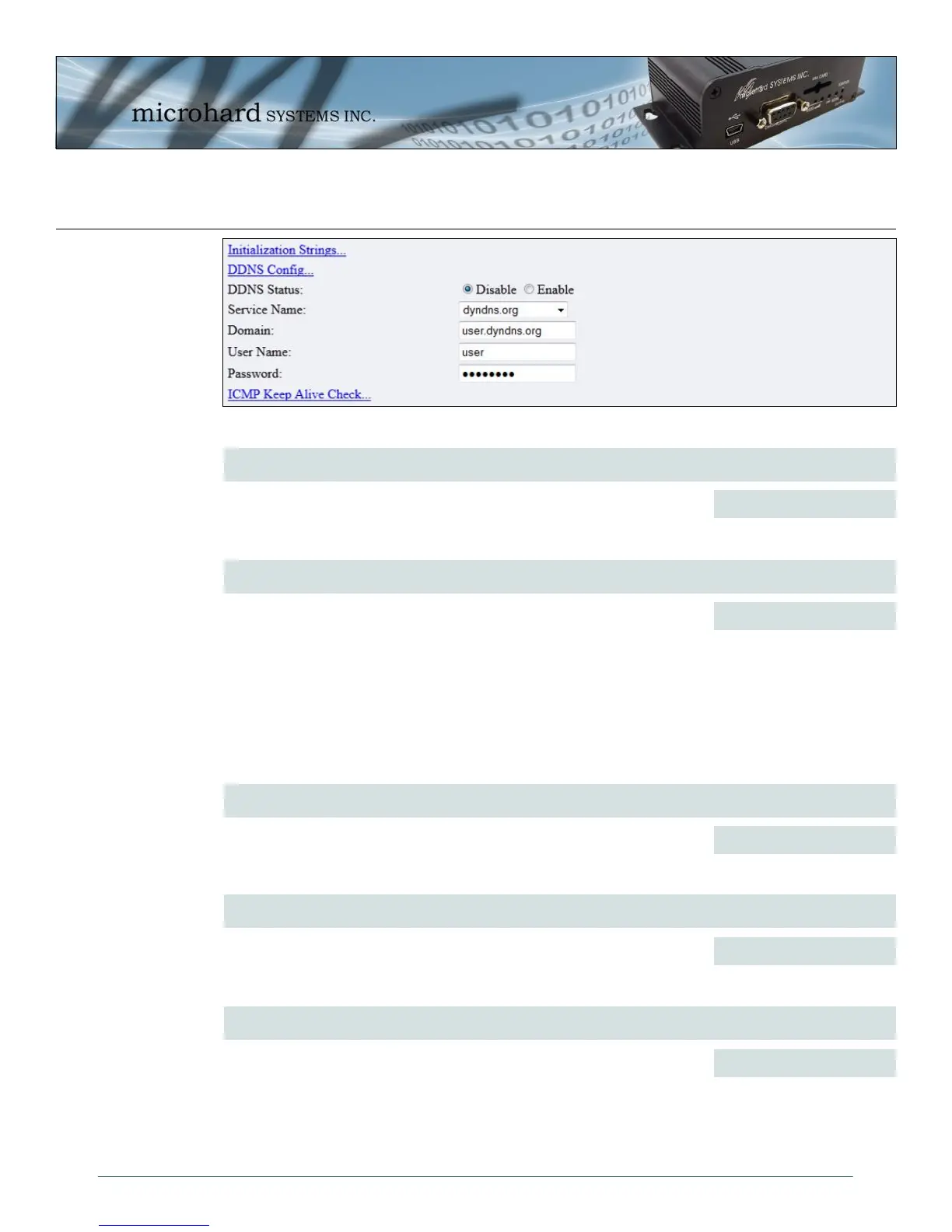
Service Name
Unless a carrier issues a Static IP address, it may be desirable to use a
dynamic DNS service to track dynamic IP changes and automatically
update DNS services. This allows the use of a constant resolvable host
name for the IPn3G.
This is a list of supported Dynamic DNS service providers. Free and
premium services are offered, contact the specific providers for more
information.
dyndns.org
changeip.com
zoneedit.com
no-ip.com
noip.com
freedns.afraid.org
dnsmax.com
thatip.com
Values (Selection)
Domain
This is the host or domain name for the IPn3G as assigned by the DDNS
provider.
user.dyndns.org
Values
User Name
Enter a valid user name for the DDNS service selected above.
username
Values
Password
Enter a valid password for the user name of the DDNS service selected
above.
username
Values
DDNS Status
This selection allows the use of a Dynamic Domain Name Server (DDNS),
for the IPn3G.
Disable / Enable
Values (Selection)
Image 4-21: Carrier Configuration Menu, DDNS Config...



 To Next Page