© Microhard Systems Inc. 54
4.0 WebUI Configuration
No-Connection Data
Values (selection)
When enabled the data will continue to buffer received on the serial data
port when the radio loses synchronization. When disabled the IPn4G will
disregard any data received on the serial data port when radio
synchronization is lost.
Disable
Enable
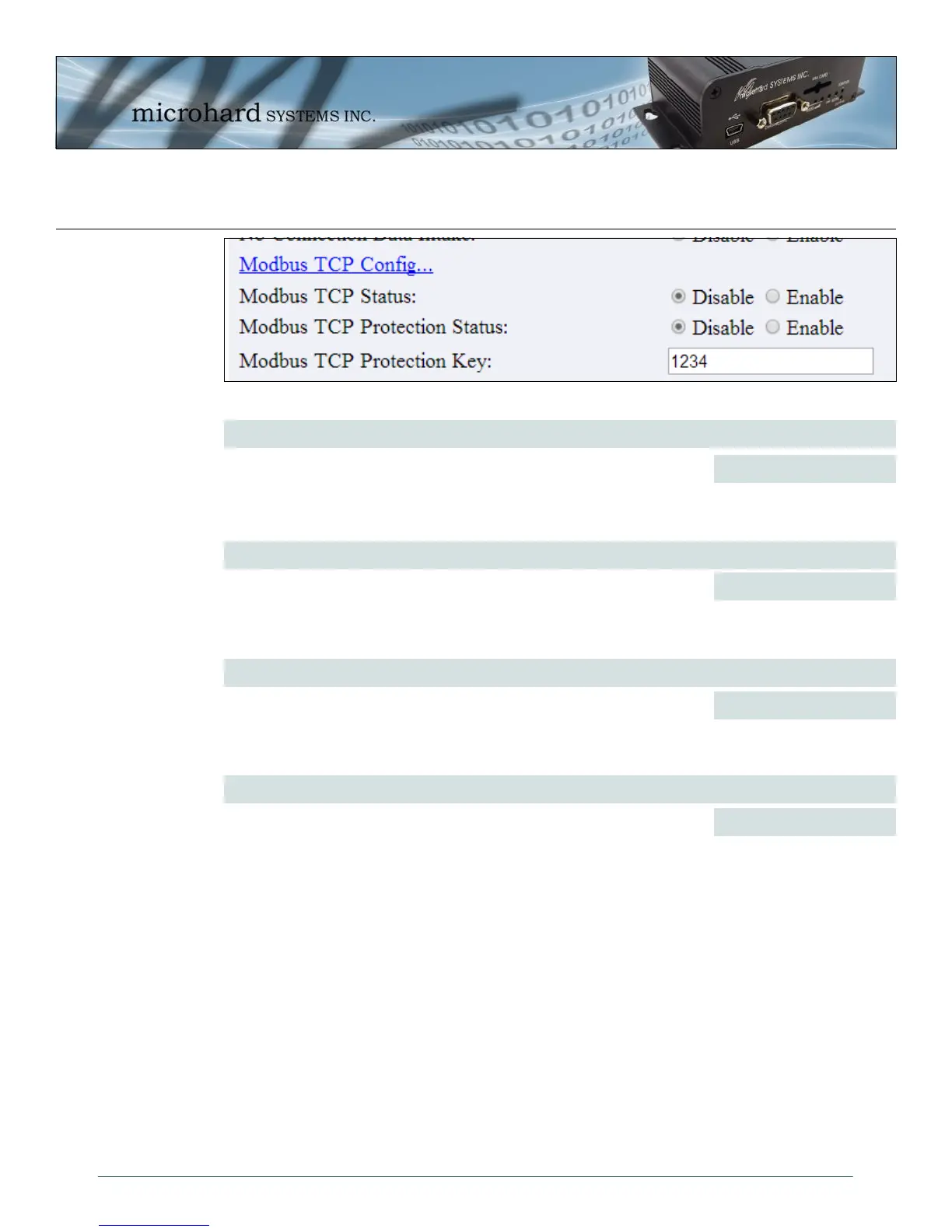
Modbus TCP Status
Values (selection)
This option will enable or disable the MODBUS decoding and encoding
features.
Disable
Enable
Modbus TCP Protection
Values (IP Address)
The field allows the Modbus TCP Protection Status flag to be enabled or
disabled. If enabled the Modbus data will be encrypted with the Modbus
Protection Key.
Disable
Enable
Image 4-25: COM1 Modbus Config
Modbus TCP Protection Key
Values (UDP Port)
MODBUS encryption key used for the MODBUS TCP Protection Status
feature.
1234



 To Next Page