© Microhard Systems Inc. 55
4.0 WebUI Configuration
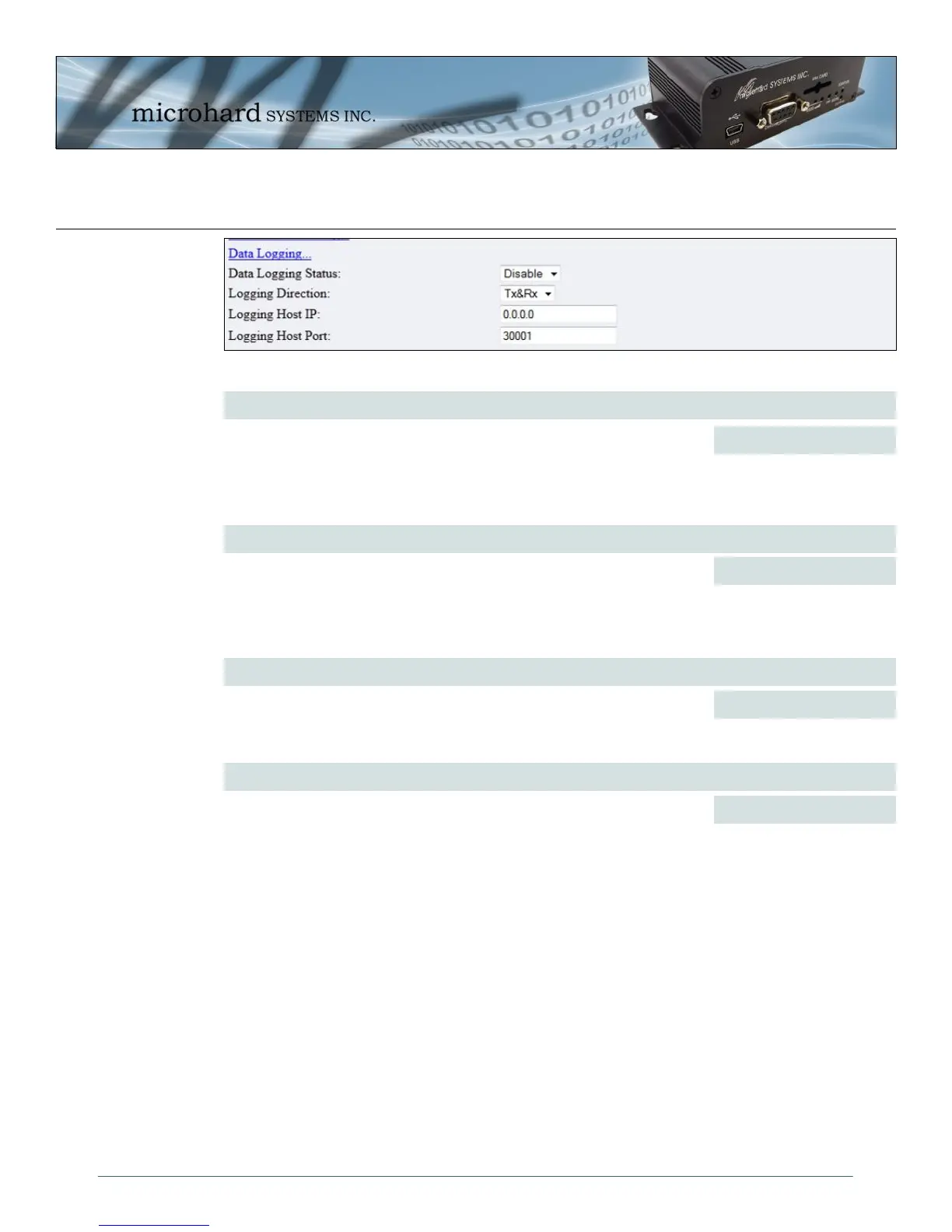
Data Logging Status
Values (selection)
Data Logging on the COM ports allows for the actual serial port data to be
sent to a remote host. This data can be in the Raw form or converted to
Hex before it is sent.
Disable
Raw
Hex
Logging Direction
Values (selection)
Select Tx&Rx to log data to/from the serial port. Select Tx to log data that is
being transmitted from the serial port, and Rx to log data being received at
the serial port.
Tx&Rx
Tx
Rx
Logging Host IP
Values (IP Address)
Enter the IP Address of the where the logging data is to be sent. Generally
this is a PC listening on the specified UDP port.
0.0.0.0
Image 4-26: COM1 Data Logging
Logging Host Port
Values (UDP Port)
Enter the UDP port of the IP Address where the data is to be sent.
30001



 To Next Page