122 Using the RFID Functions
_______________________________________________________________________________________________
_______________________________________________________________________________________________
MICROPLEX Operator’s Manual LOGIJET T4 /T6 /RFID Edition 1.3
8.3. Data Interface Status Out
The RFID capabilities of the printer allow you to read and process RFID
data.
The commands for the RFID functions (getting the label ID...) are sent like
print data via the active data channel (Centronics, USB, Ethernet,...).
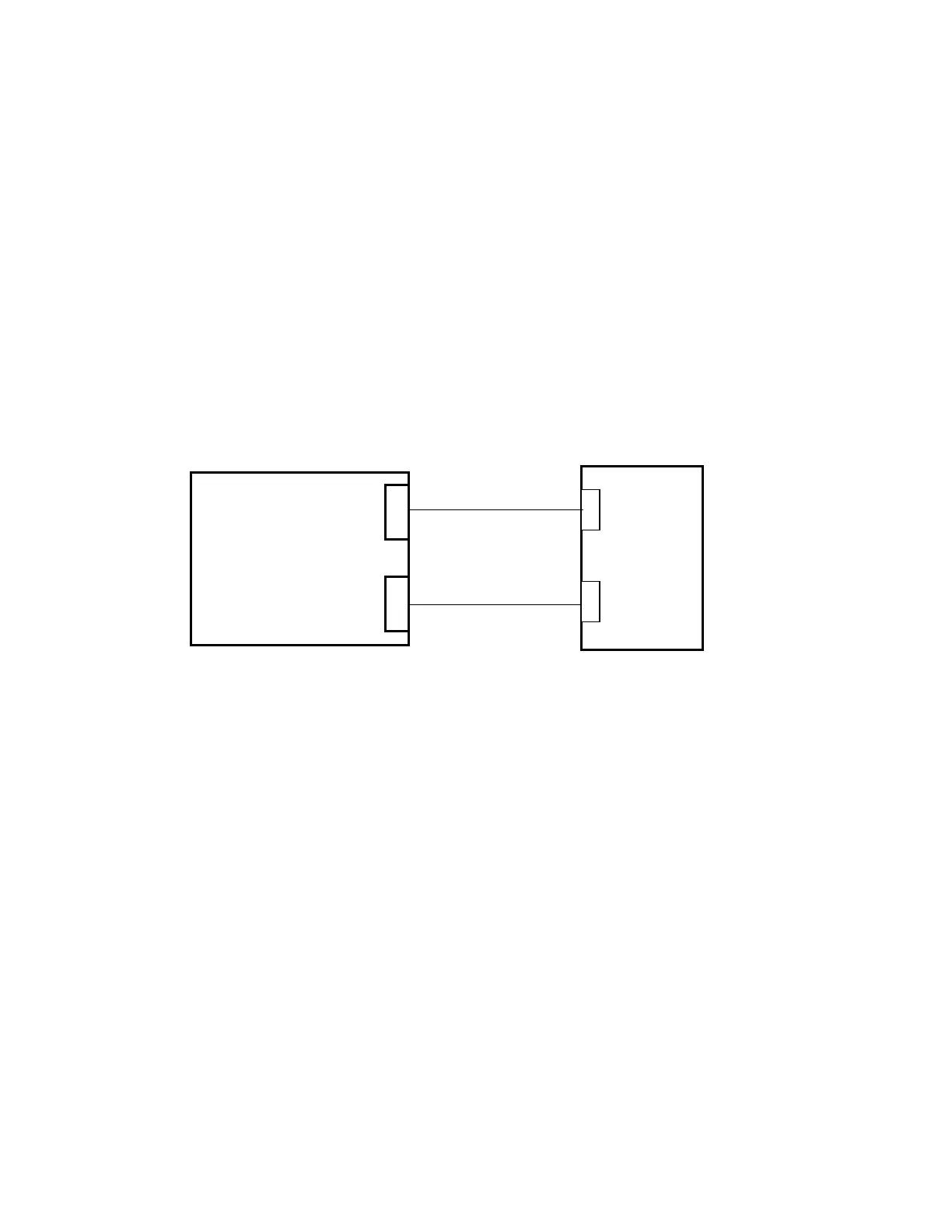
The host will receive the RFID data from the printer via the active interface
or via a separate status channel which is independent of the data channel.
Physically the status channel may be the serial interface or the Ethernet
interface, e.g.
Fig. 8.3.a Status Channel and Data Channel
Two modes are available. In the first mode some messages will be sent to
the host automatically. In the second mode you have to "ask" the printer via
IDOL commands about the current status.
For further information about the configuration of the Data Interface
Status Out please take notice of the appendix of this manual.
Data channel
Status channel
MICROPLEX
Printer
with RFID
Host
(PC...)



 To Next Page