52 Control Panel
________________________________________________________________________________________________
_______________________________________________________________________________________________
MICROPLEX Operator’s Manual LOGIJET T4 /T6 /RFID Edition 1.3
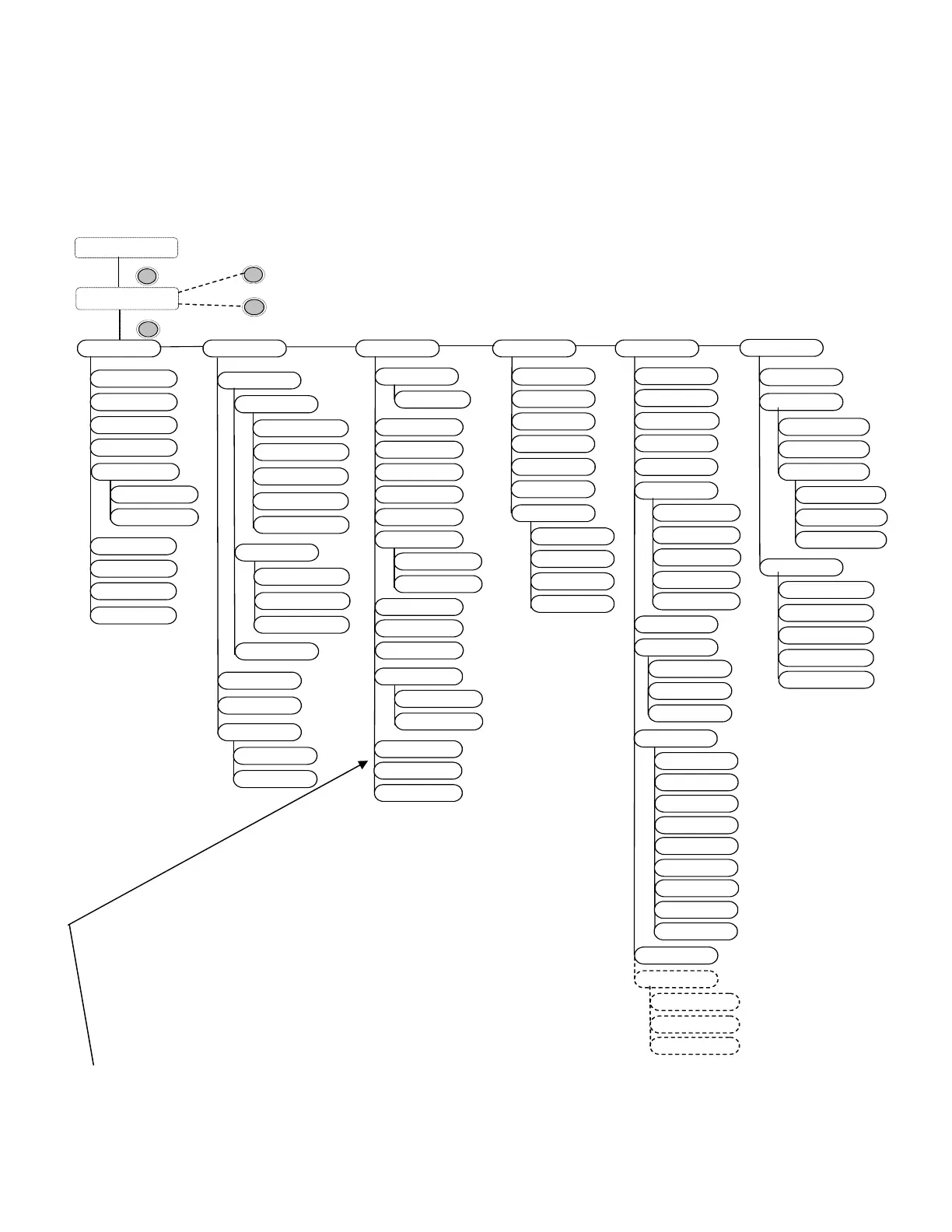
6.6. Menu Structure
Access to the menu structure is possible as soon as the printer is turned
OFF LINE and the MENU key was pressed.
The menu structure of the printers LOGIJET T4 /T6 /RFID is arranged in different levels:
CUT
FEED
OFFL.
MENU
Menu Level 1
Status Sheet
Hexdump
Normal Print/FF
Cancel Job
Menu Page
Sliding Pattern
Paper Menu
in dot
Page Length
Paper Width
in mm
Material
Configuration
Interface
Timeout
RFID Menu
RFID Mode
Autom. Read ID
Tag Position
Protocol
Timeout
RFID Test
Emulation
Language
Input Buffer
Transparent Code
Config. Word
User Config.
Select
Define
Factory Default
Page Menu
Font Number
Orientation
Symbol Code
Margin
Left
from Right
Top
from Bottom
Engine
Sync. Menu
Printspeed
Contrast
Line Spacing
ON LINE mode
$
OFF LINE mode
$
in inch
Measure length
Print Direction
Continuous
Label
Sync.Sens.Level
Two-Up Mode
RFM
Key lock
Extended Menu
Image Y-Pos.
Process
Sync.Sens.Type
TearOff M ode
Service Mode
Last Error
in mm
in inch
Font List
Time setting
Date setting
Char. Spacing
Line Termination
Dot-Test
Sensor Test
TearOff M enu
Network
Buffer Dump
Search Tag Pos.
Print Mode
TearOff Position
Acoustic Signals
Periph. Device
Image X-Pos.
Off
DHCP
Manual
IP Address
Subnet Mask
Gateway
IP Assign
Duplex/Speed
Autonegotiation
10MB HalfDuplex
10M B FullDuplex
100MB FullDuplex
100MB HalfDuplex
Key tone
Error tone
Sync.Sens.Offset
Bit Rate
Sync.Sens.Logic
Timeout
Autom. ID Gen.
File Management
Print-Files
Directory
Paper Size
in dot
Auto.Measurement
Change by IP
Auto.Sens.Adj.
Head Resistance
This panel function allows the user to choose a reduced menu instead
of the extended menu shown above.



 To Next Page