14 Installation
_______________________________________________________________________________________________
_______________________________________________________________________________________________
MICROPLEX Operator’s Manual LOGIJET T4 /T6 /RFID Edition 1.3
2. Installation
2.1. Printer Unpacking
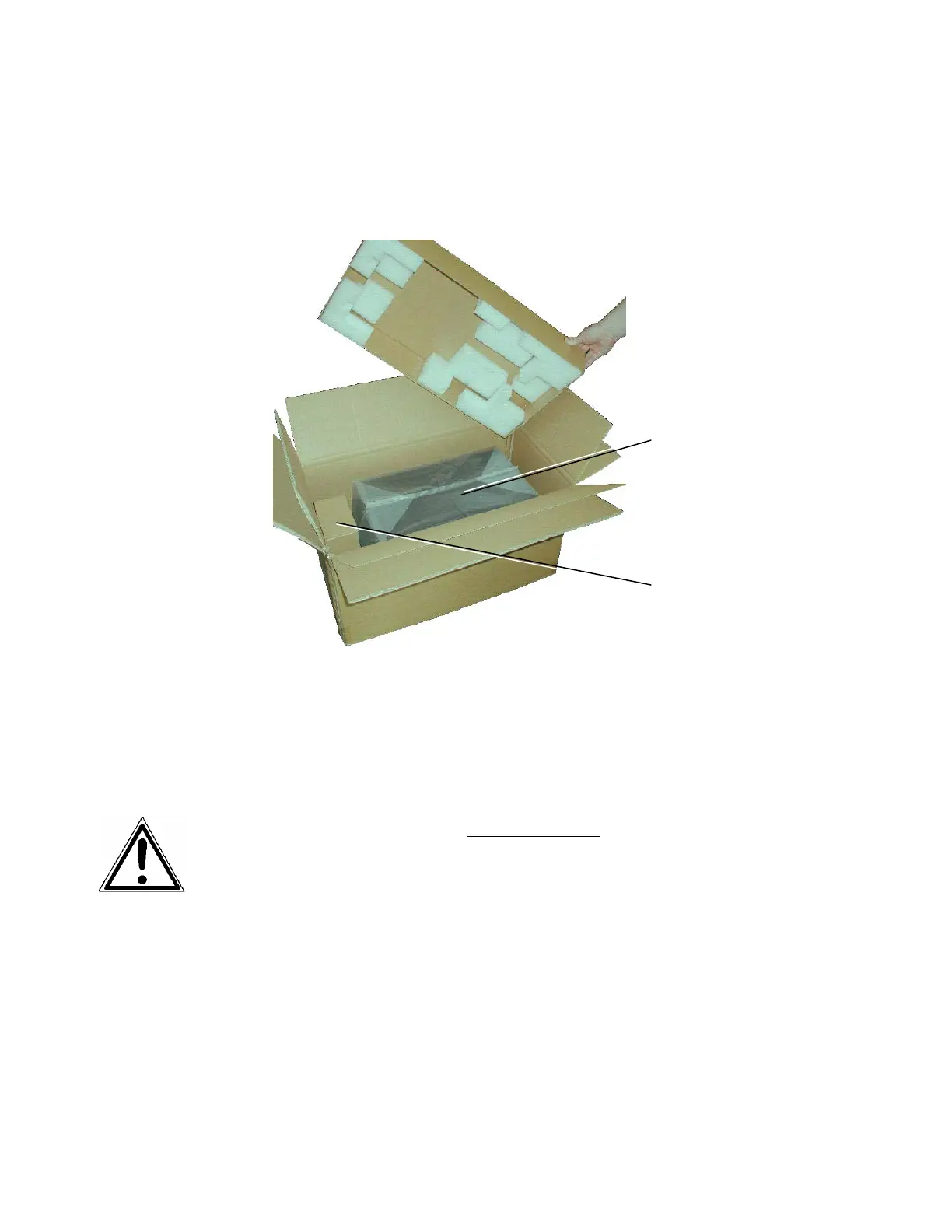
1. Open the box and remove the accessory parts.
Fig. 2.1.a Printer in the shipping box
2. Take the printer and lift it out the box carefully. Get
somebody to hold the box when removing the printer.
Take hold of the printer from the bottom.
Do not use other parts of the printer (e.g. plastic parts at the
printer's front or rear side ...) to lift the device!
Box contains
accessories
Printer



 To Next Page