Handling of Consumables 25
_______________________________________________________________________________________________
_______________________________________________________________________________________________
MICROPLEX Operator’s Manual LOGIJET T4 /T6 /RFID Edition 1.3
5.2. Roll-Fed Media Handling
5.2.1. Tear Off Media Loading
To load roll-fed media for tear off respectively for further external
processing go on like this:
!
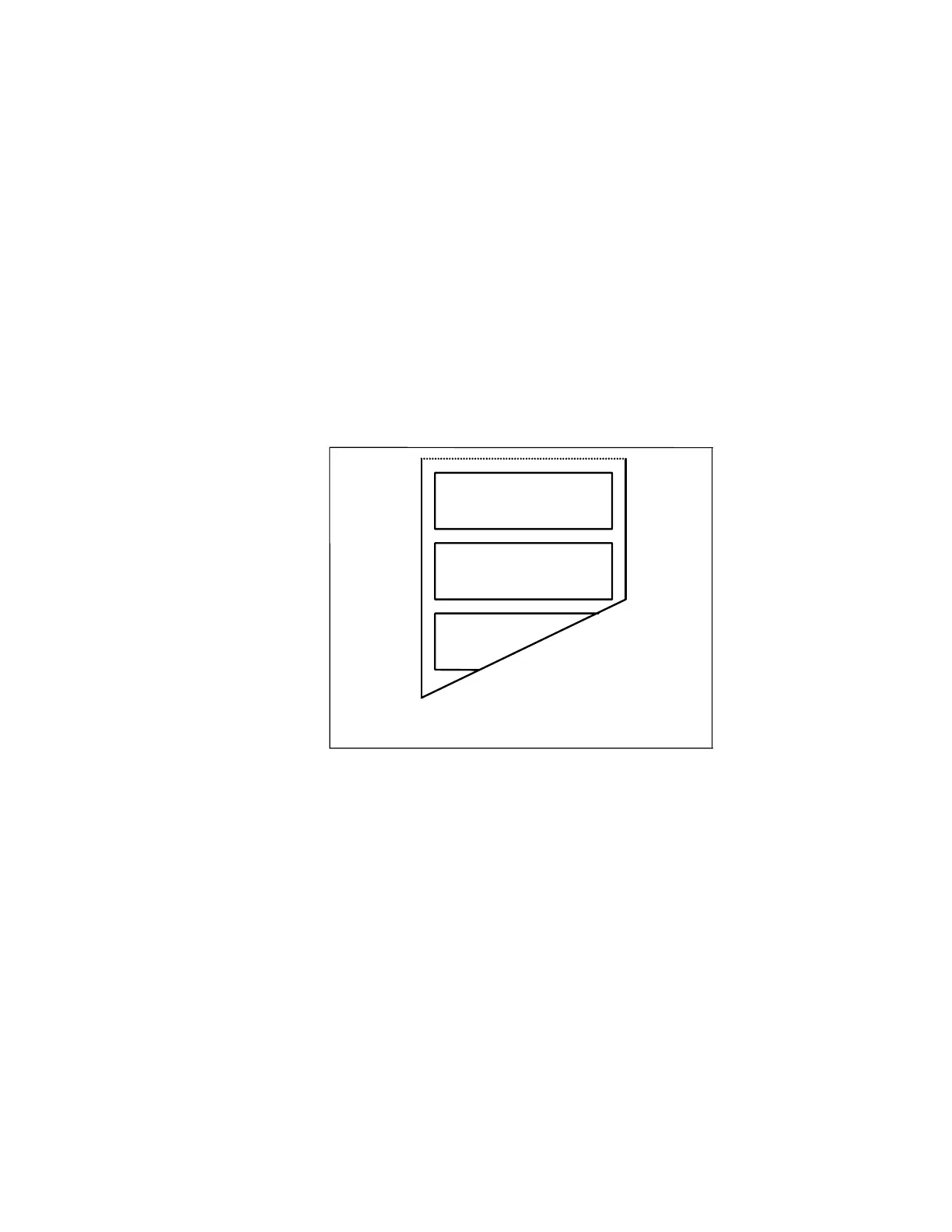
The tear off roll-fed media is easier to insert if the end is gored
before inserting as shown in figure 5.2.1.a (when using a new
roll you should first remove the protection foil if necessary and
discard one full turn of the media).
Fig. 5.2.1.a Goring the tear off roll-fed media
1. Switch the printer to OFF LINE mode.
2. Open the printer hood.



 To Next Page