26 Handling of Consumables
_______________________________________________________________________________________________
_______________________________________________________________________________________________
MICROPLEX Operator’s Manual LOGIJET T4 /T6 /RFID Edition 1.3
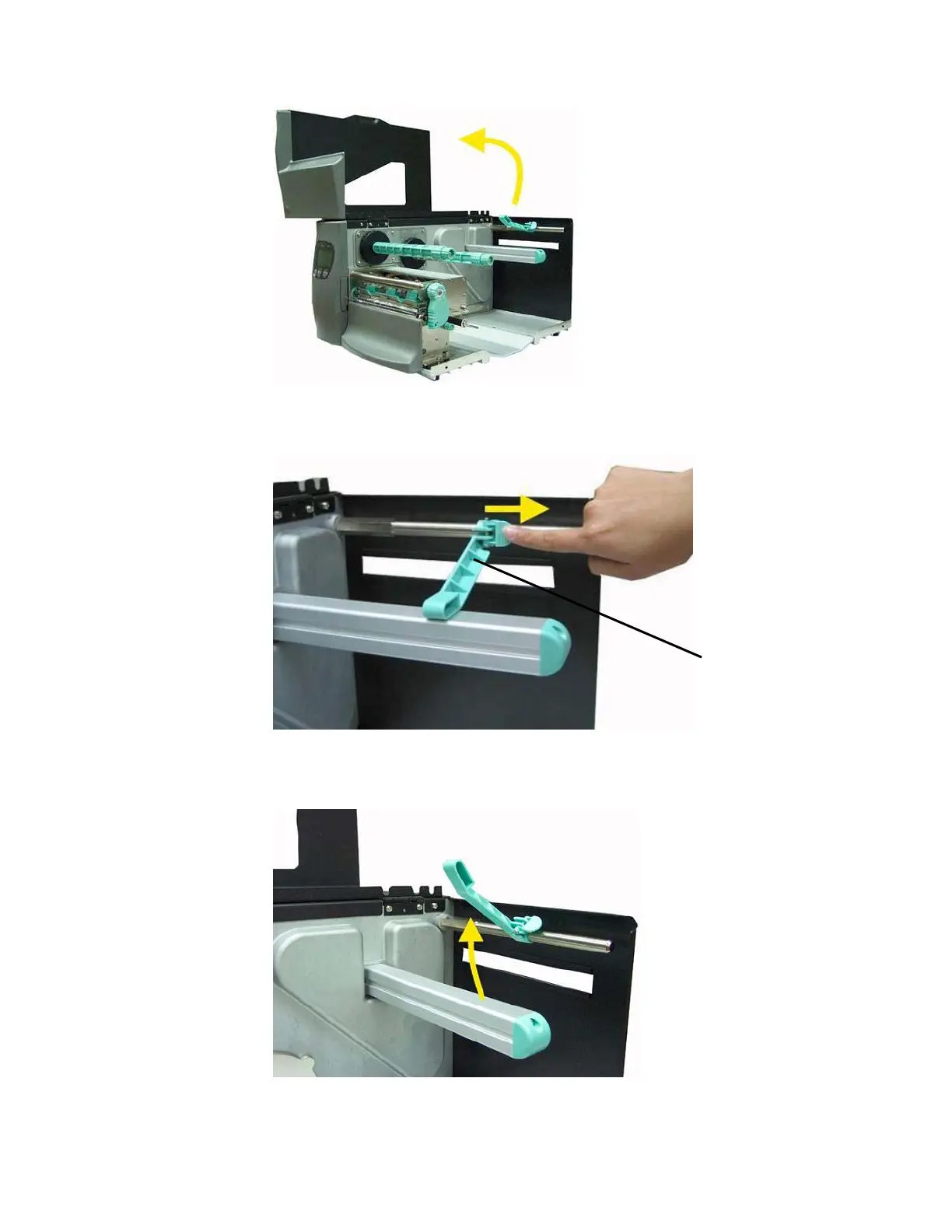
Fig. 5.2.1.b Opening the printer hood
3. Pull the label supply guide rightward.
Fig. 5.2.1.c Pulling the label supply guide rightward.
4. Swivel the label supply guide upward.
Fig. 5.2.1.d Swivelling the label supply guide upward
Label supply
guide



 To Next Page