150 Troubleshooting
_______________________________________________________________________________________________
_______________________________________________________________________________________________
MICROPLEX Operator’s Manual LOGIJET T4 /T6 /RFID Edition 1.3
10.1. Printer Error Messages
Panel display
Remedies
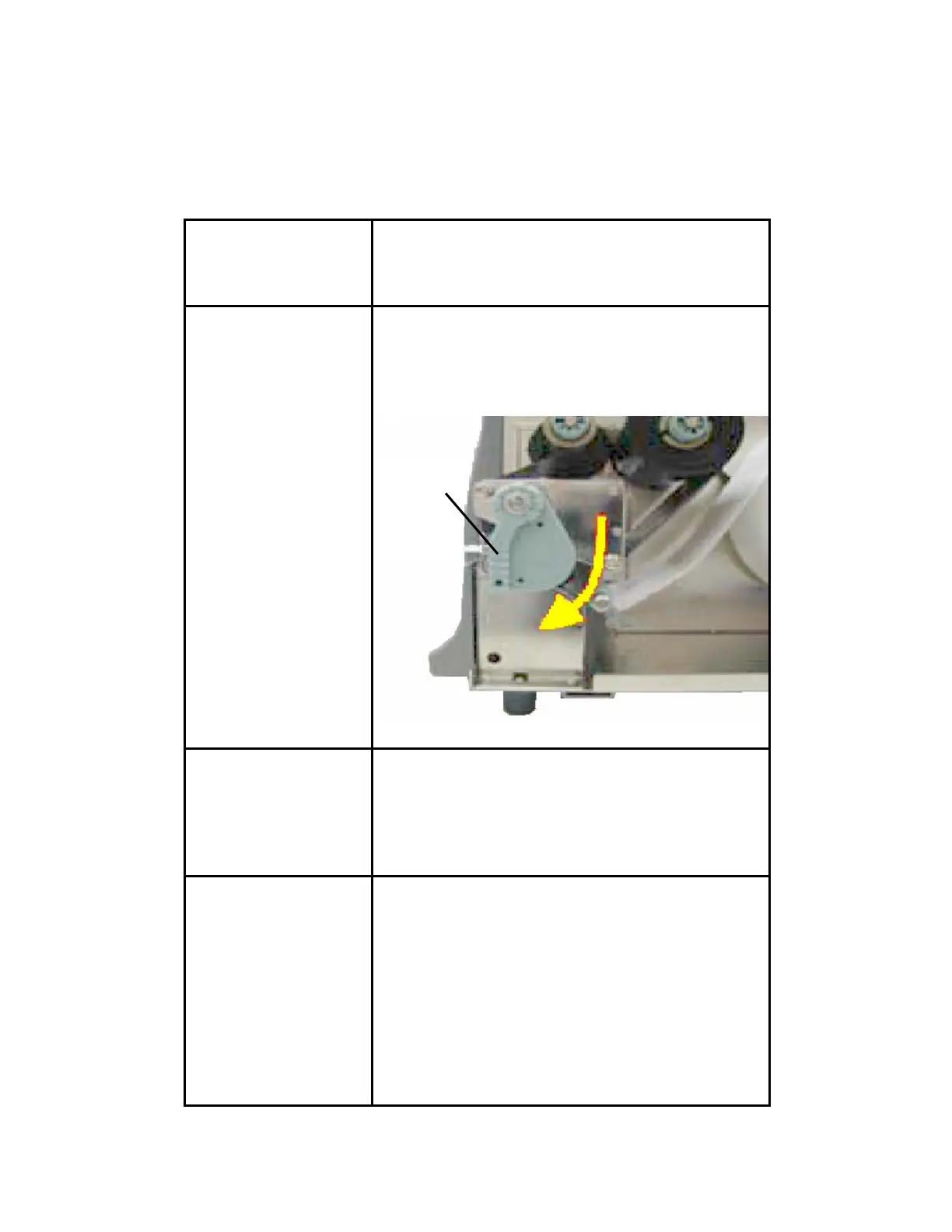
[Head open! ]
The printhead assembly is not firmly in place.
- Swivel the printhead pressure lever clockwise
back to its original position making sure it
clicks into place.
Fig. 10.1.a Locking the pressure lever
[Paper End ] - insert a media (roll-fed media e.g.)
- make sure the media has been
loaded correctly
(compare section 5.2)
- clean the sensors
[Foil Error! ] The thermal transfer print mode is selected.
A printer ribbon is needed.
- insert a ribbon
- make sure the ribbon has been
loaded correctly
(compare section 5.3)
- Correct the print process setting, if you don’t
want to use a ribbon.
(compare section 7.1)
Printhead
pressure
lever



 To Next Page