42 Handling of Consumables
_______________________________________________________________________________________________
_______________________________________________________________________________________________
MICROPLEX Operator’s Manual LOGIJET T4 /T6 /RFID Edition 1.3
5.4. Printhead Pressure Adjusting
Different material width and/or material thickness have an effect
on the contact pressure of the thermal bar on the platen roller.
To allow a compensation of this influences, the position of the
spring boxes and the contact pressure are both adjustable.
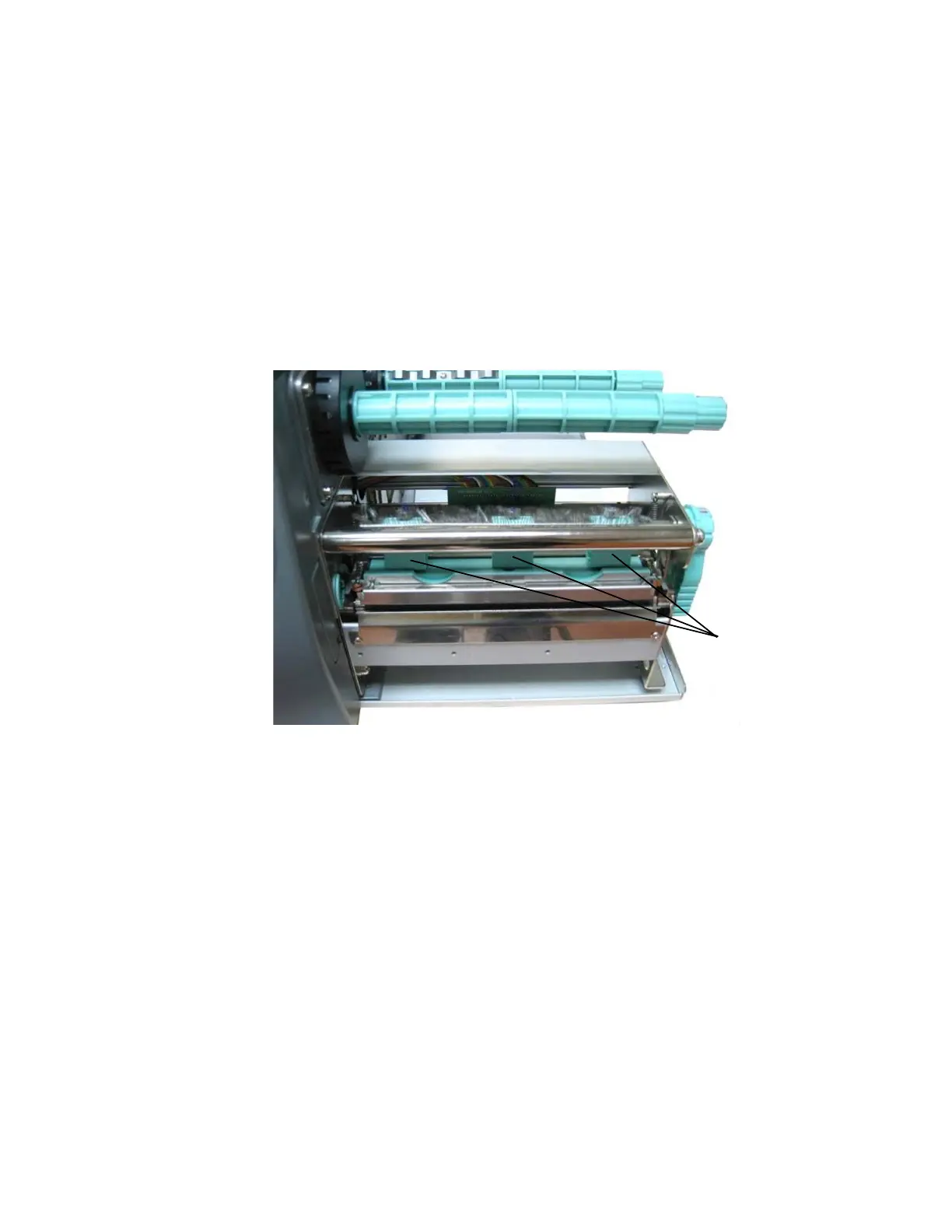
The spring boxes are located above the printhead:
Spring boxes
Fig. 5.4.a Printhead contact pressure: position of the spring boxes
Please note:
!
- Printing should always be carried out with the lightest contact
pressure possible for creating a satisfactory print quality. This
protects the printhead and the entire device.
- Excessive contact pressure can result in premature wearing of
the printhead.
- See also section 9.2 Printhead Exchange
and section 9.3 Adjusting the Right Pressure Value.



 To Next Page