Handling of Consumables 43
_______________________________________________________________________________________________
_______________________________________________________________________________________________
MICROPLEX Operator’s Manual LOGIJET T4 /T6 /RFID Edition 1.3
1. Open the printer hood.
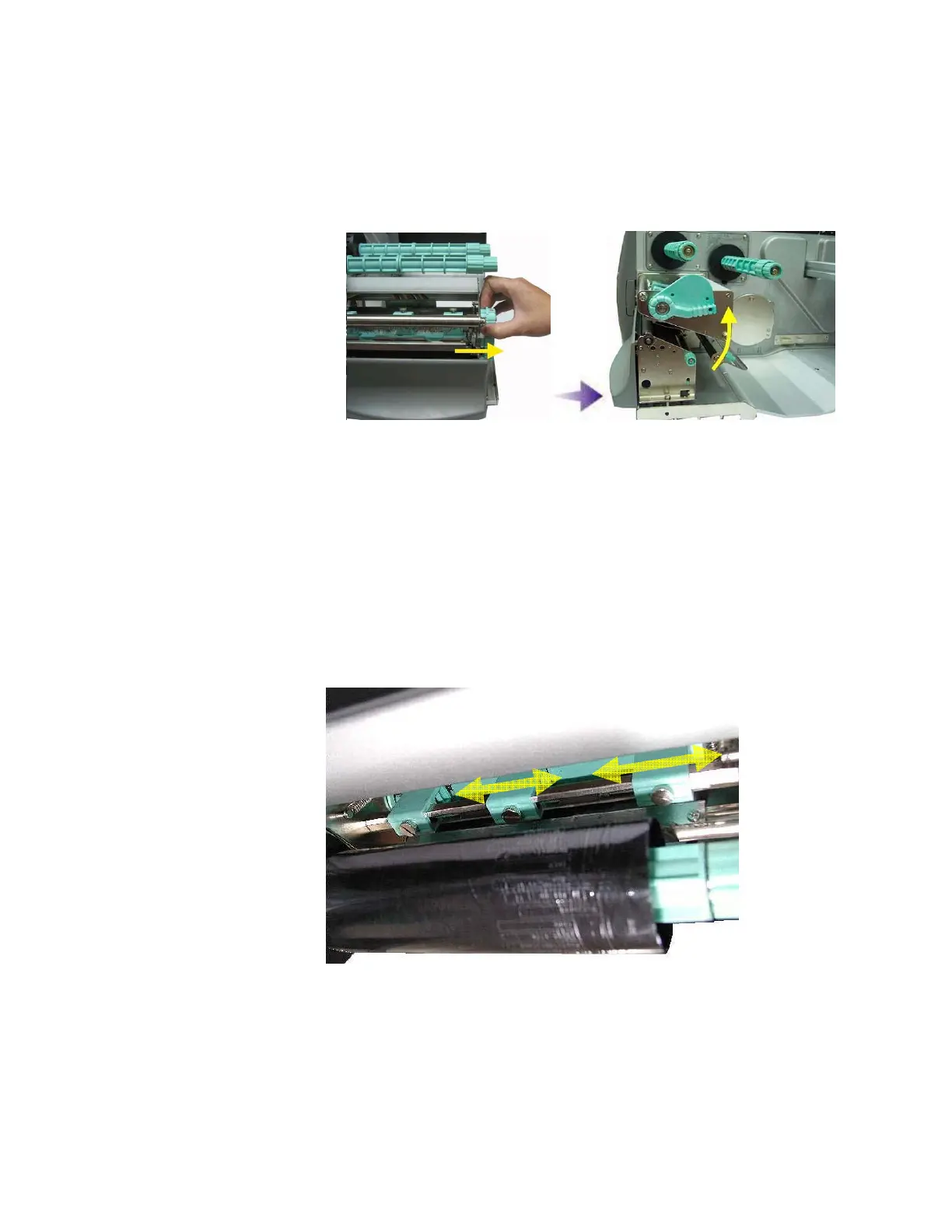
2. Release the printhead pressure lever.
Fig. 5.4.b Pull the printhead pressure lever out and swivel it upward
(counterclockwise).
3. Please adjust the lateral positions of the thermal printhead
spring boxes in accordance to the current material width.
Normally, the wider the paper, the farther the spring boxes on
the right side have to be positioned from the center wall (and
vice versa for small labels).
Fig. 5.4.c Lateral shifting of the spring boxes



 To Next Page