Using the RFID Functions 119
_______________________________________________________________________________________________
_______________________________________________________________________________________________
MICROPLEX Operator’s Manual LOGIJET T4 /T6 /RFID Edition 1.3
8.2.4. Adjusting the Number of RFID Access (Timeout)
This panel function sets the maximum number of unsuccessful RFID accesses (read,
program, etc.) being allowed until the printer treats this label as defective.
The setting range is 0 up to 16 tries.
.
NEXT
ENTER
NEXT
ENTER
NEXT
ENTER
ENTER
ESC
ENTER
ENTER
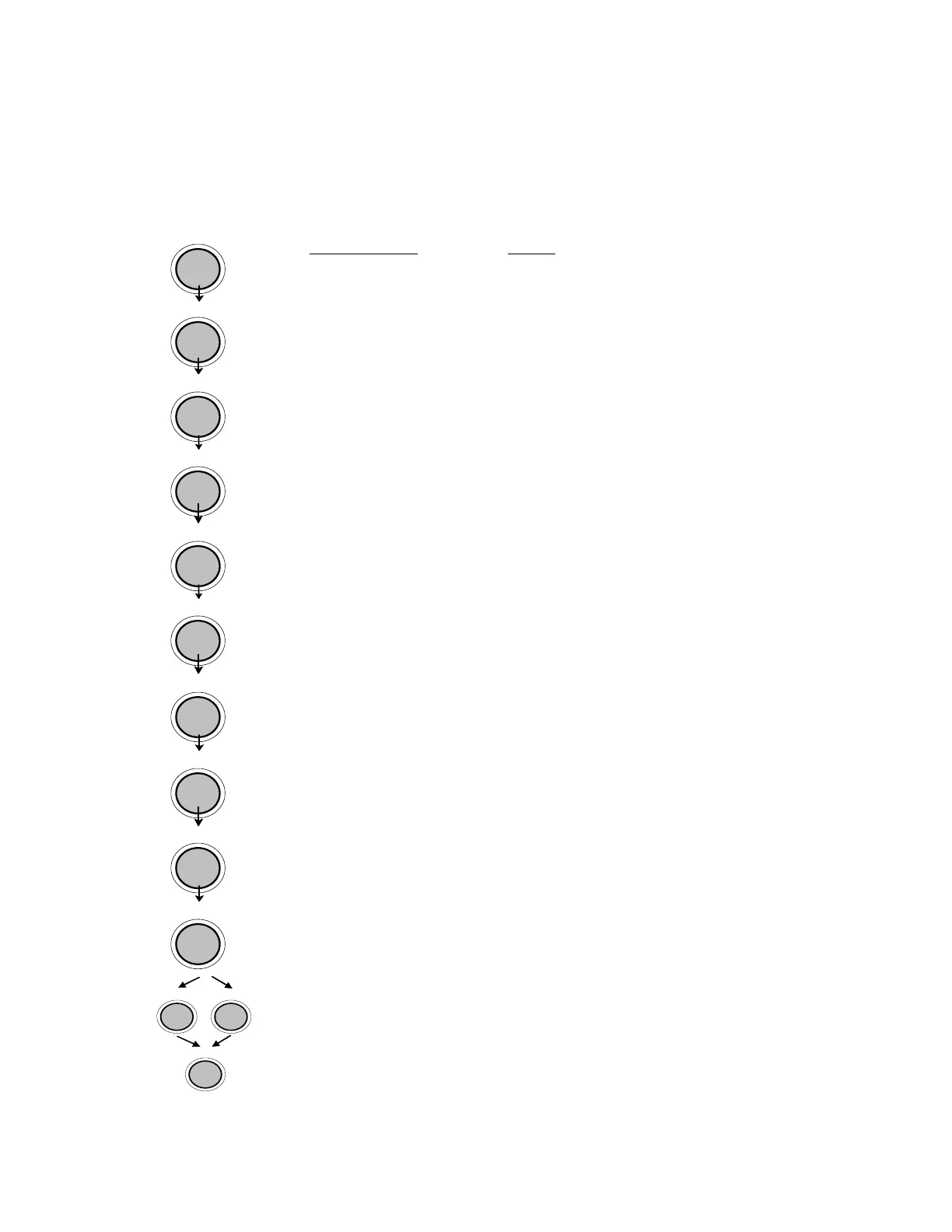
Panel display
[ON LINE ]
[OFF LINE ]
[Menu Level 1 ]
& & &
[Engine ]
[Printspeed ]
& & &
[RFID Menu ]
[RFID Mode ]
& & &
[Timeout ]
[Timeout 2 ]
& & &
[Timeout 8 ]
[Save as Setup? ]
Notes
Turn the printer OFF LINE with this key.
The MENU key gives the user access to the
menu structure.
Press the NEXT or PREVIOUS key until [Engine
] is displayed.
Press the NEXT or PREVIOUS key until
[RFID Menu ] is displayed.
Press the NEXT or PREVIOUS key until
[Timeout ] is displayed.
The currently set value is displayed.
Press the NEXT or PREVIOUS key until the
desired value is displayed.
From now on up to 8 unsuccessful RFID access
tries are allowed.
In addition this new value can be saved as
setup value (using the ENTER key).
After this decision turn the printer ON LINE
again: Press the ENTER key longer than 2
seconds.
Note: Maximum throughput results when labels are programmed on the first try.



 To Next Page