Installation 15
_______________________________________________________________________________________________
_______________________________________________________________________________________________
MICROPLEX Operator’s Manual LOGIJET T4 /T6 /RFID Edition 1.3
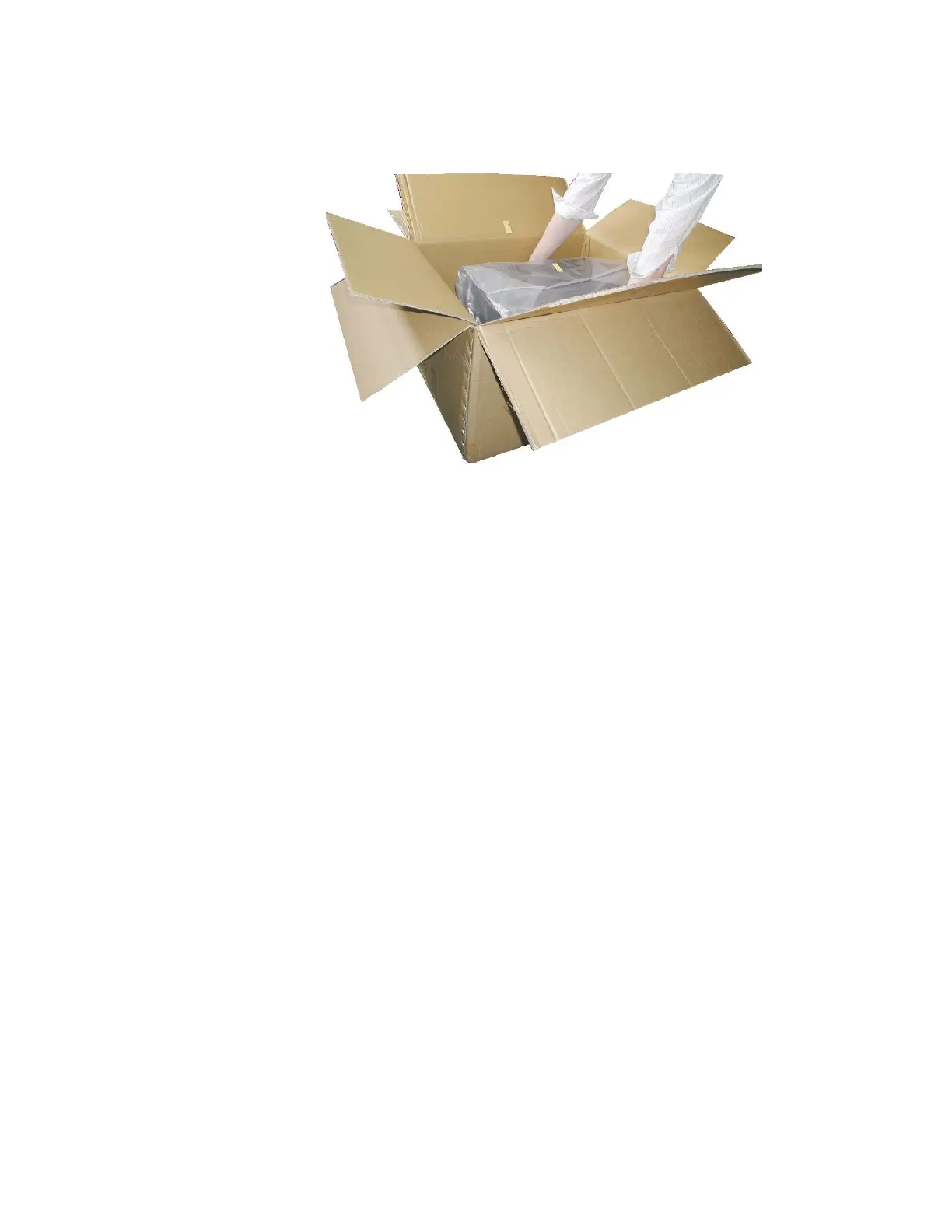
Fig. 2.1.b Lifting the printer
3. Remove the foil covering the printer.
4. Place the printer onto a suitable base (see section 2.3).
Please retain the original packing materials in case the printer
has to be transported in the future.



 To Next Page