Panel Functions 89
________________________________________________________________________________________________
_______________________________________________________________________________________________
MICROPLEX Operator’s Manual LOGIJET T4 /T6 /RFID Edition 1.3
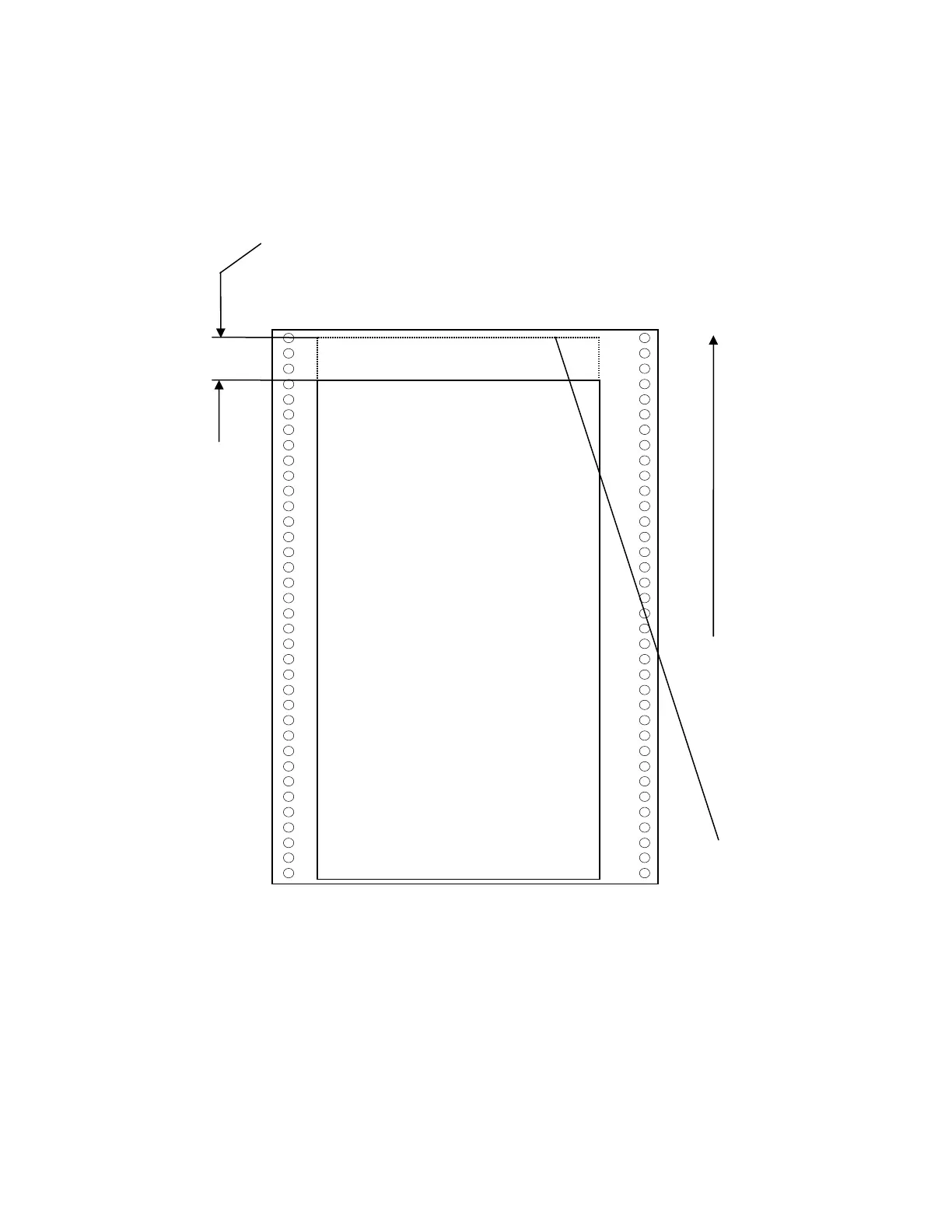
Example for shifting the image to the Y-direction:
Feed
direction
(print
direction)
Printout after the image shifting
to the Y-direction.
In this example the value of the
Image Y-Position was increased
(NEXT key).
Previous position of the
printout margin (prior to
the image shifting)
Image shifting to the Y-direction



 To Next Page