OM-267357 Page 45
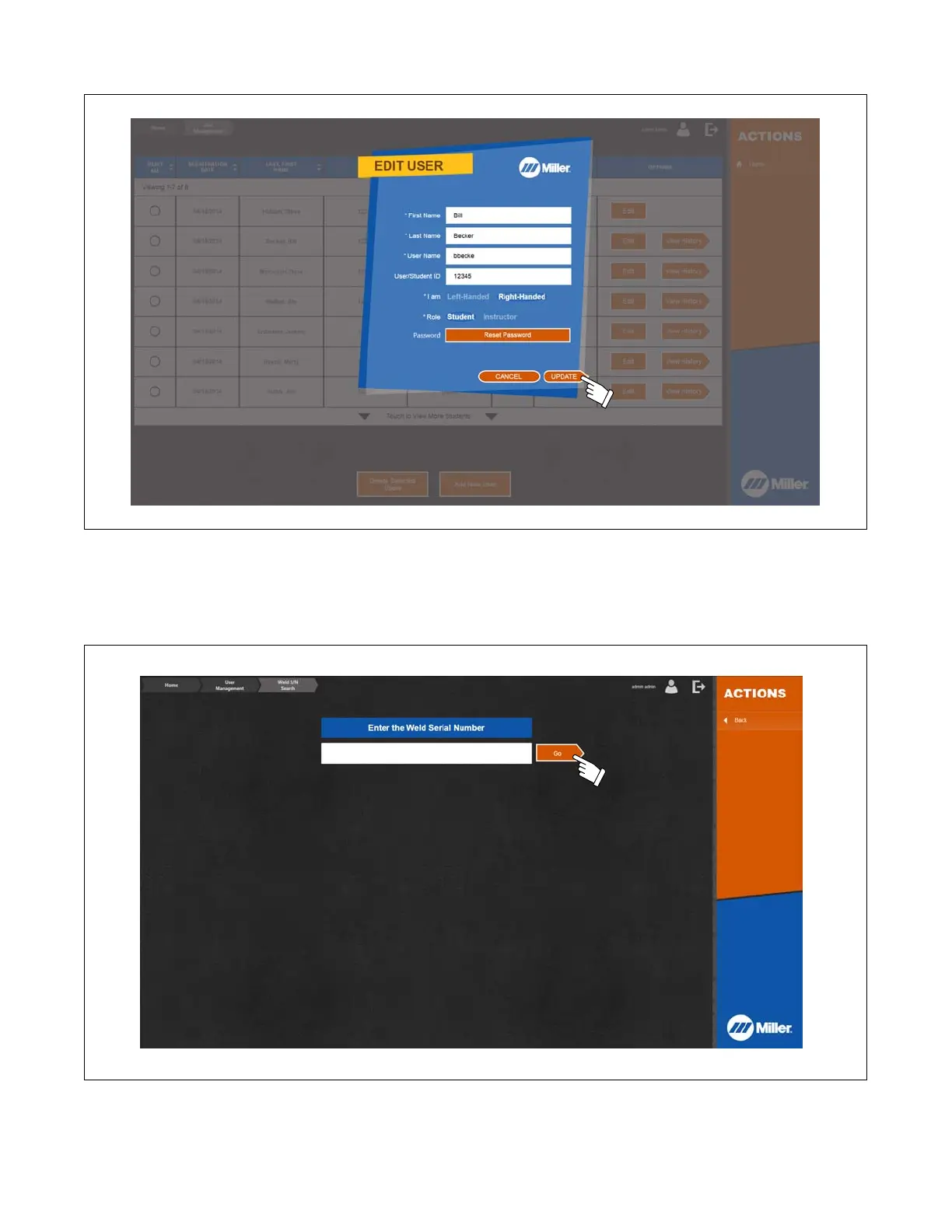
2. Revise first name, last name, user name, user/student ID number, left-handed or right-handed status, and if the user is a student or an instructor.
Touch Update when finished.
Figure 10-5. Editing User Information
10-4. Searching For Weld Serial Number
If the serial number of a weld is written on the weld coupons, an instructor can retrieve the test data associated with that weld by searching for the weld
serial number. Do not enter the symbol # that precedes the serial number. For SMAW welds, the leading S must be entered.
Figure 10-6. Searching Weld Serial Number
10-5. Exporting Report File
Selecting this will output two .csv files to the USB drive. One file is a log of each test (sim or weld) conducted on the system and associated user,
assignment score, and related information. The other file is the completion status (not started, in progress, complete) of each assignment by each user.















 To Next Page