OM-267357 Page 55
SECTION 13 − MAINTENANCE
Welding-related hazards are present when using the welding training system. Read the welding power source and wire feeder Owner’s
Manuals and labels carefully for more information on arc welding hazards. Also read American National Standard Z49.1, Safety in
Welding, Cutting, and Allied Processes, from American Welding Society (www.aws.org). Operators must be trained on the proper use
of this equipment before using the equipment to train others.
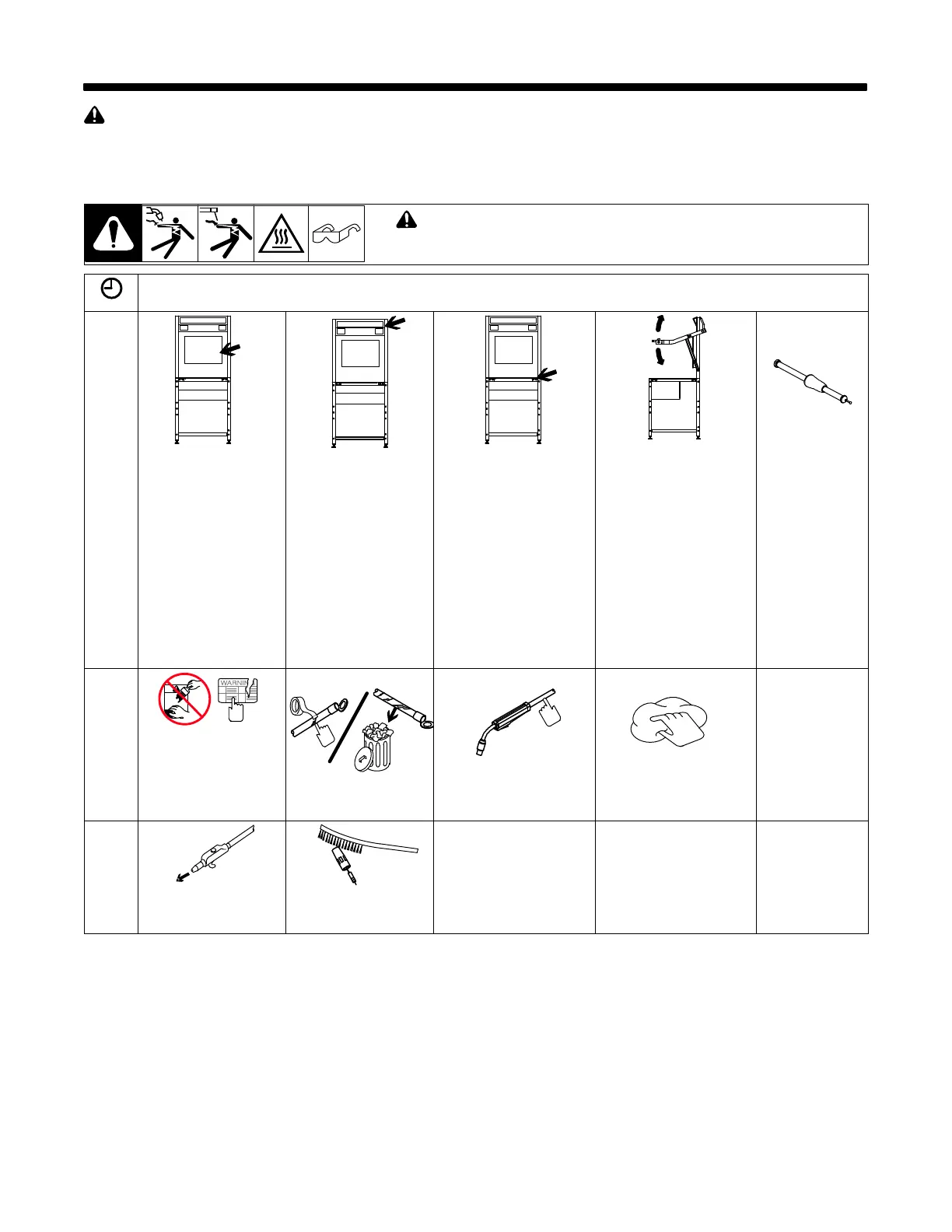
13-1. Routine Maintenance
! Disconnect Power before maintaining.
Service equipment more often if used in severe conditions.
= Check = Change = Clean = Replace
* To be done by Factory Authorized Service Agent
Daily
Touchscreen With
Clean, Damp Cloth.
NOTICE − Do not use
chemicals, solvents, or
abrasive cleaning solu-
tions to clean touch-
screen or lens covers.
Camera Lens Cover
With Clean, Damp Cloth.
NOTICE − Do not use
chemicals, solvents, or
abrasive cleaning solu-
tions to clean touch-
screen or lens covers.
Work Table Surface
And Markers, And Remove
Debris.
NOTICE − Do not use chem-
icals, solvents, or abrasive
cleaning solutions to clean
table markers.
NOTICE − Do not subject ta-
ble to excessive grinding. If
grinding makes table sur-
face uneven, remove
mounting screws and flip ta-
ble top to use other side. Re-
install screws.
Free Movement Of
Positioning Arms
Joint
Calibration
Tool
With Clean, Damp
Cloth.
NOTICE − Do not
use chemicals,
solvents, or abra-
sive cleaning solu-
tions to clean joint
calibration tool.
Every
3
Months
Damaged Or Unread-
able Labels
Repair Or Replace
Cracked Weld Cable
Gun Cable
Stinger Cable
Outer Surfaces
Inside Unit
After
Each
Spool
Of Wire
Gun Liner Nozzle And Contact
Tip















 To Next Page