OM-267357 Page 43
SECTION 10 − USER MANAGEMENT
Welding-related hazards are present when using the welding training system. Read the welding power source and wire feeder Owner’s
Manuals and labels carefully for more information on arc welding hazards. Also read American National Standard Z49.1, Safety in
Welding, Cutting, and Allied Processes, from American Welding Society (www.aws.org). Operators must be trained on the proper use
of this equipment before using the equipment to train others.
10-1. Administration Mode
Administration
mode is only available to users designated as instructors. User Management records are password protected and can only be accessed
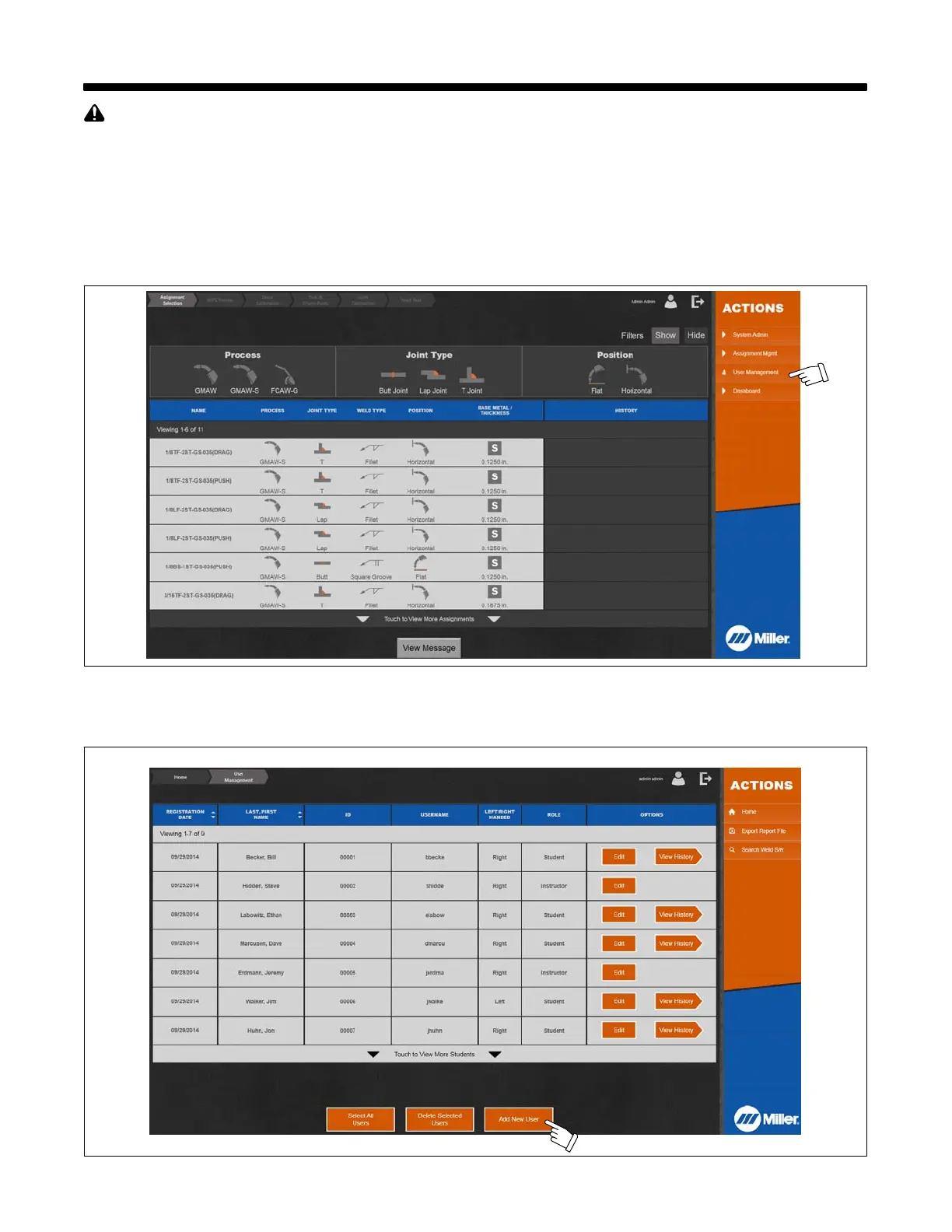
by the user and the administrator/instructor. Touch User Management to begin.
Access User Management screen to view current users, add users, edit user information, delete users, review user history for each assignment,
search weld test serial numbers, and export report files.
Figure 10-1. Administration Mode Screen
10-2. Creating New User
1. To enter new user data, touch Add New User (Figure 10-2 and Figure 10-3).
Figure 10-2. Accessing New User Screen















 To Next Page