OM-267357 Page 49
! The input power cord is the means
for disconnection from the electrical
supply source and the cord must be
readily available. Be sure the train-
ing system does not block access to
the input power cord.
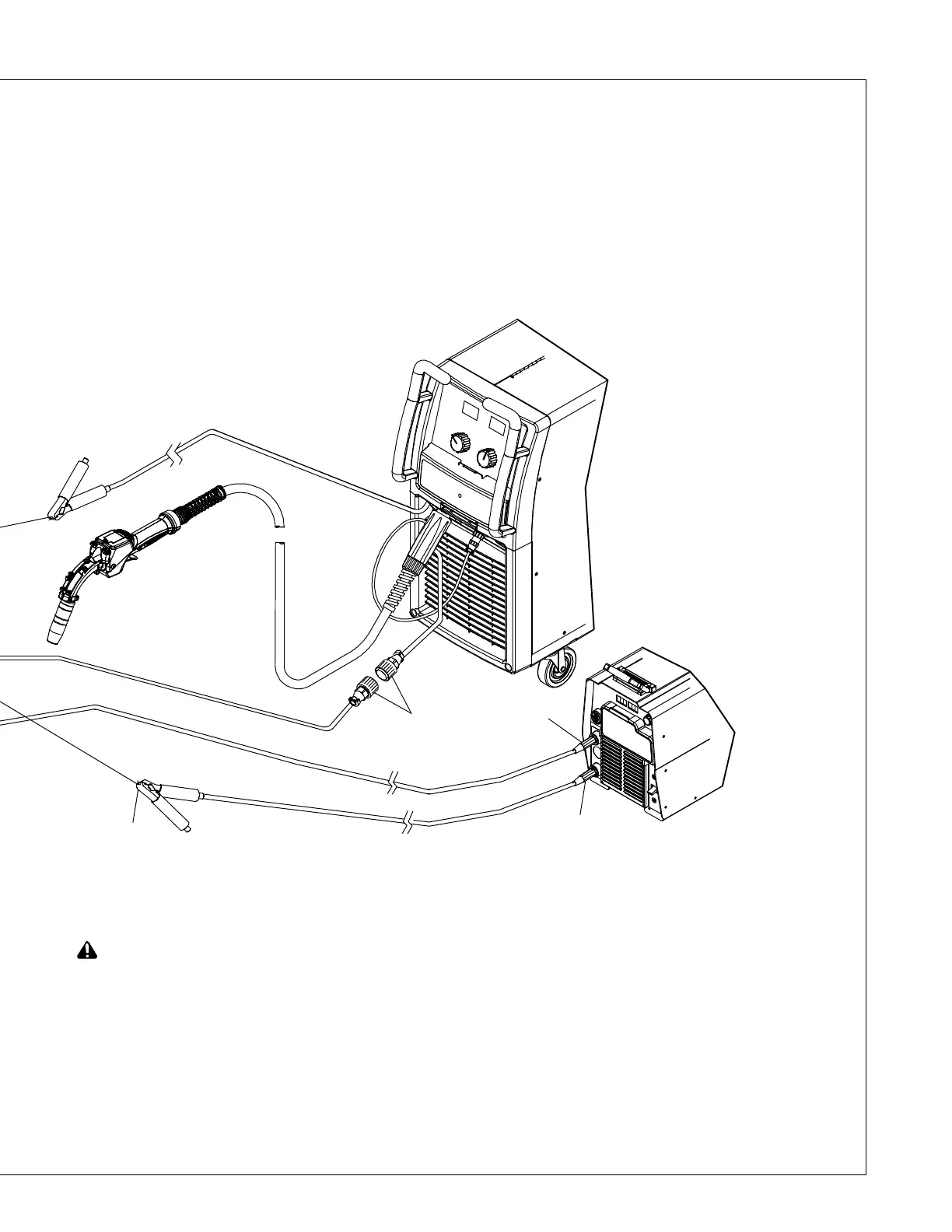
Connect cables in order listed. Work cables
are not included with training system.
See Section 5-9 to connect SmartGun to
wire feeder. Disconnect all cables from the
back of the training system monitor before
beginning.
1 Work Cable To SMAW Power Source
2 SMAW Work Clamp To Weld Table
3 Communication Cable To LiveArc
4 Communication Cable To Router Box
(14-Pin Connection)
5 Small SmartGun Communication
Cable to Large SmartGun
Communication Cable
6 Large SmartGun Communication
Cable To Router Box (10-Pin
Connection)
If the training system was originally config-
ured for GMAW only, this is the connection
that was originally made to the back fo the
LiveArc monitor.
7 Positive Cable To SMAW Power
Source (Dinse Connection)
8 Communication Cable To Router Box
9 SmartStinger Weld Power In (Gray
Cord) To Router Box (19-Pin
Connection)
10 SmartStinger Weld Power Out (Black
Cord) To Router Box
See power source Owner’s Manuals to con-
nect input power.
1
2
5
7
277683















 To Next Page