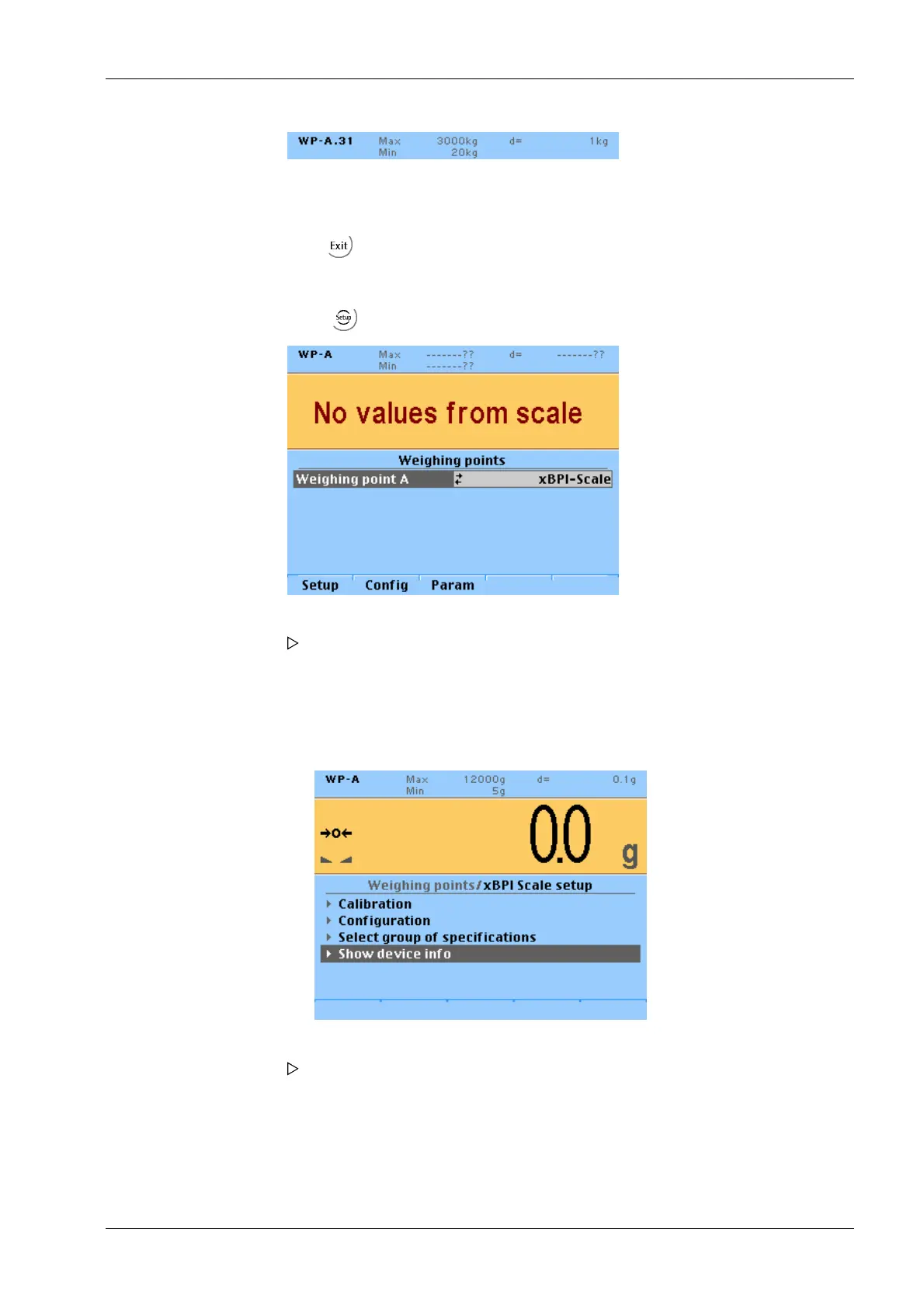
The SBN Address is shown on the display.
Example: Address 31 at WP-A
7.13.4 Setting up an xBPI platform
4. Press to exit the menu and to save the settings.
1. Select -[Weighing point]- [xBPI-Scale] and conrm.
2. Press the [Setup] softkey.
Ticks indicate the progress.
An error message is displayed if communication with the xBPI scale is not
possible!
The following window opens:
The parameters of the xBPI-scale are read into the device.
3. Select [Show device info] with the cursor and conrm.
The following window opens:
7 Commissioning Transmitter Series PR 5220
EN-99 Minebea Intec



 To Next Page
 Loading...

