NOTE: To close the scroll list, tap the button.
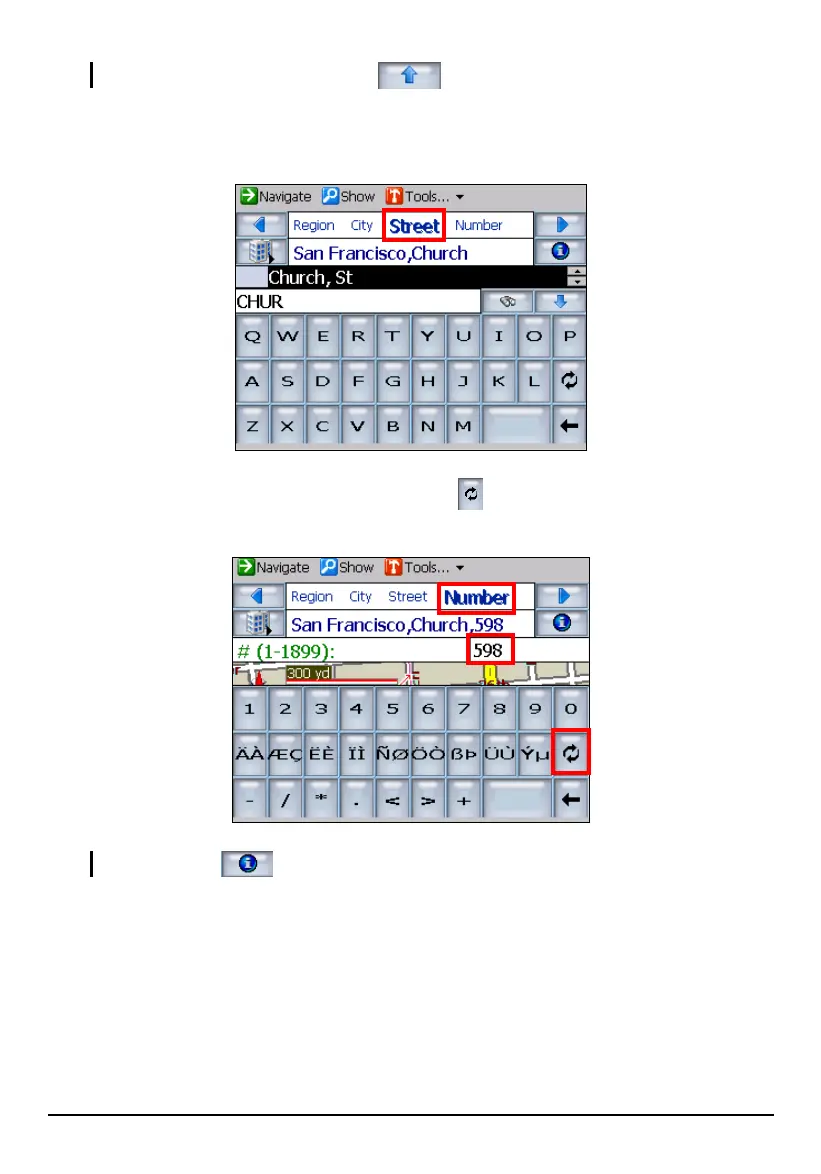
4. After selecting the city, tap Street to select the street name. You can select the
street name the same way you select the city name.
5. After selecting the street, tap
Number. Tap twice to switch to the numerical
keyboard and enter the numbers.
NOTE: Tapping provides more information on the selected location.
6. You can preview your destination by tapping Show (top toolbar).
40



 To Next Page