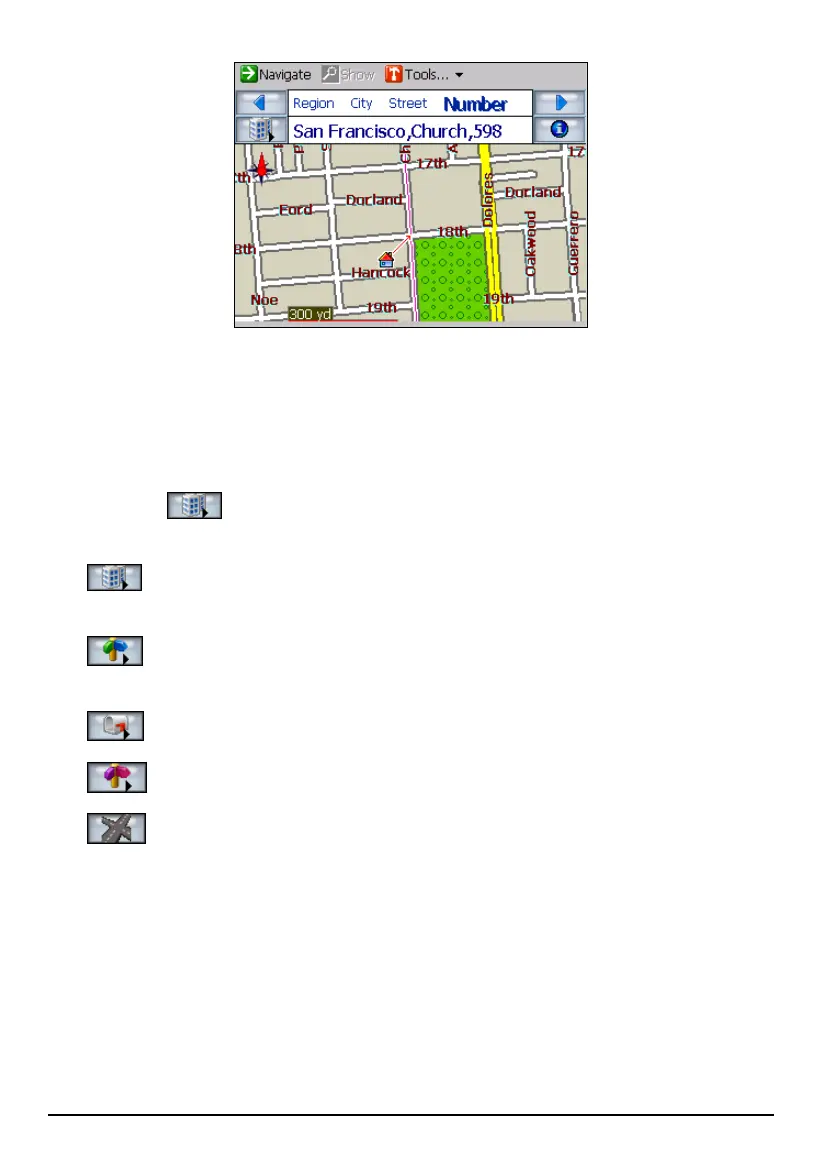
7. To calculate the route, tap
Navigate (top toolbar). The route is shown as a
highlighted blue line starting from your origin to your destination. (See section
5.3 for more information.)
Using a Different Address Sequence
Tapping the
button cycles through the different ways of specifying your
address.
City Street Number
This is the default sequence.
Street City Number
This sequence is recommended for larger cities.
Zip Street Number
Street Zip Number
Intersection
If your destination is an intersection and you know the names of the two
streets, you can use this method. After you select the first street and tap the
next
Street (top of the screen), the names of the streets that intersected with the
first street are displayed. You can then select the second street.
41



 To Next Page