10. Usage
MiR100 Hook User Guide (en) 10/2020 - v.3.0 ©Copyright 2016-2020: Mobile Industrial Robots A/S. 164
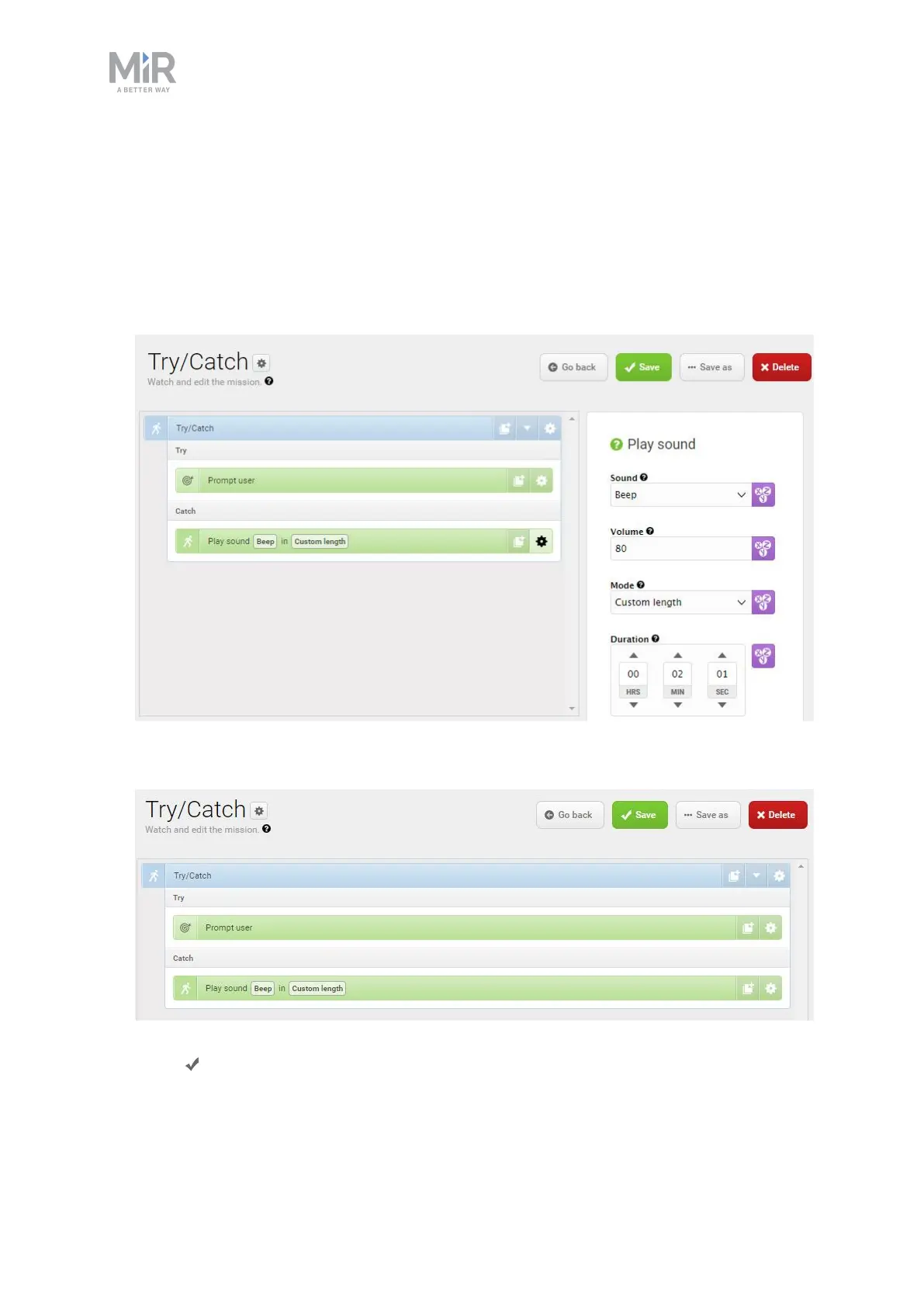
6. In the Play sound action, set the parameters as follows:
• Sound: Select Beep.
• Volume: Enter the value 80. This is approximately 64 dB.
• Mode: Select Custom length so you can enter the duration of time the sound is
played.
• Duration: Set the duration to two minutes.
The mission should look like this:
7. Select Save to save the mission.



 To Next Page