9. Commissioning
MiR100 Hook User Guide (en) 10/2020 - v.3.0 ©Copyright 2016-2020: Mobile Industrial Robots A/S. 122
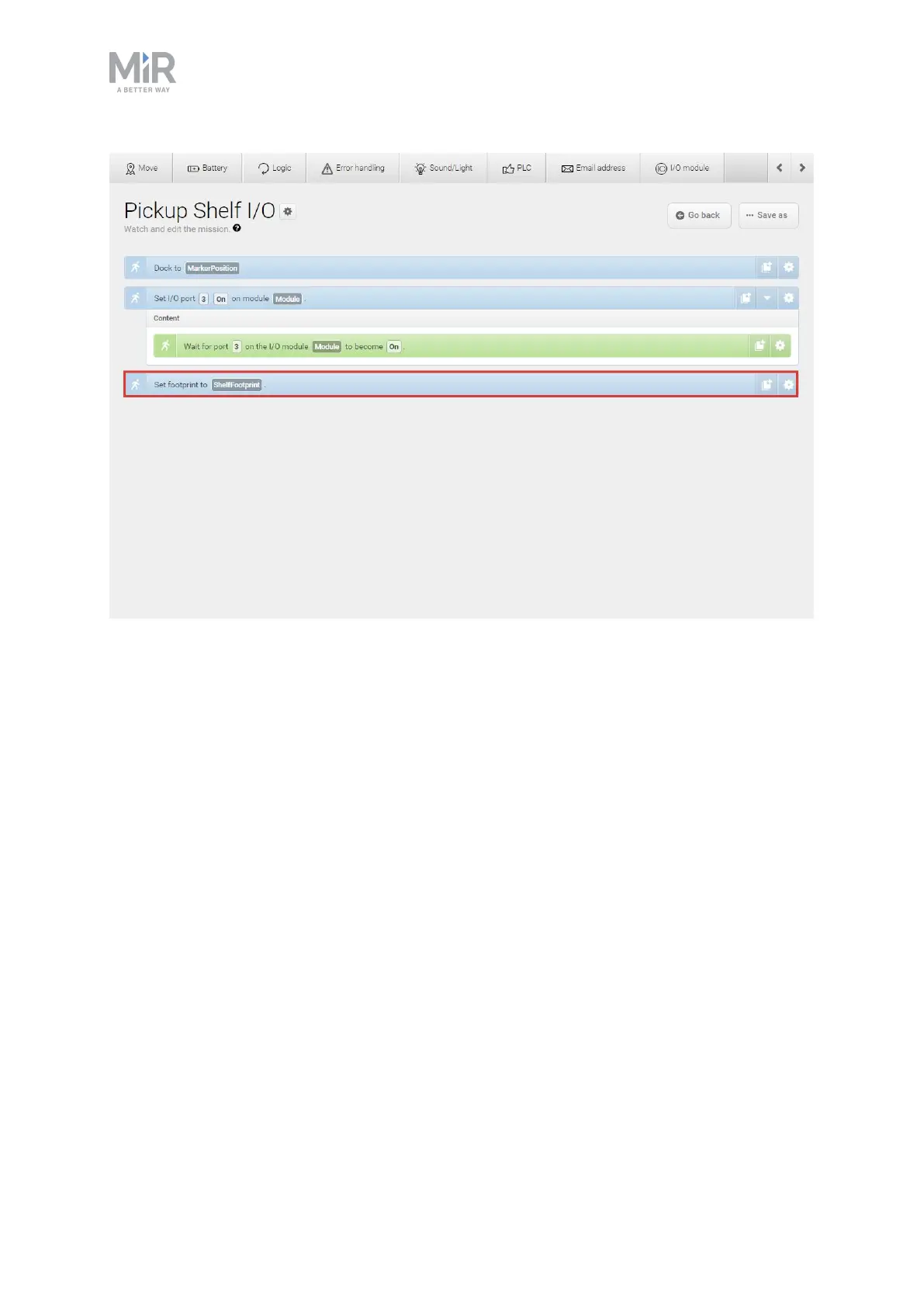
If you want to edit the default footprint of the robot, for example if the mounted top module
is larger than the robot, go to System>Settings >Planner, and select a new footprint under
Robot footprint.
9.12 Required free space
For the robot to drive smoothly in its work environment, there must be adequate free space
for maneuvering. How much space is required depends significantly on the work
environment and the settings of the robot.
This section describes how much space the robot requires to execute various maneuvers
when operating correctly.



 To Next Page