4. Getting started
MiR100 Hook User Guide (en) 10/2020 - v.3.0 ©Copyright 2016-2020: Mobile Industrial Robots A/S. 51
4.11 Testing the top module
To test that the top module of MiR100 Hook is configured and connected correctly, follow
the steps in the following sections.
Manual test
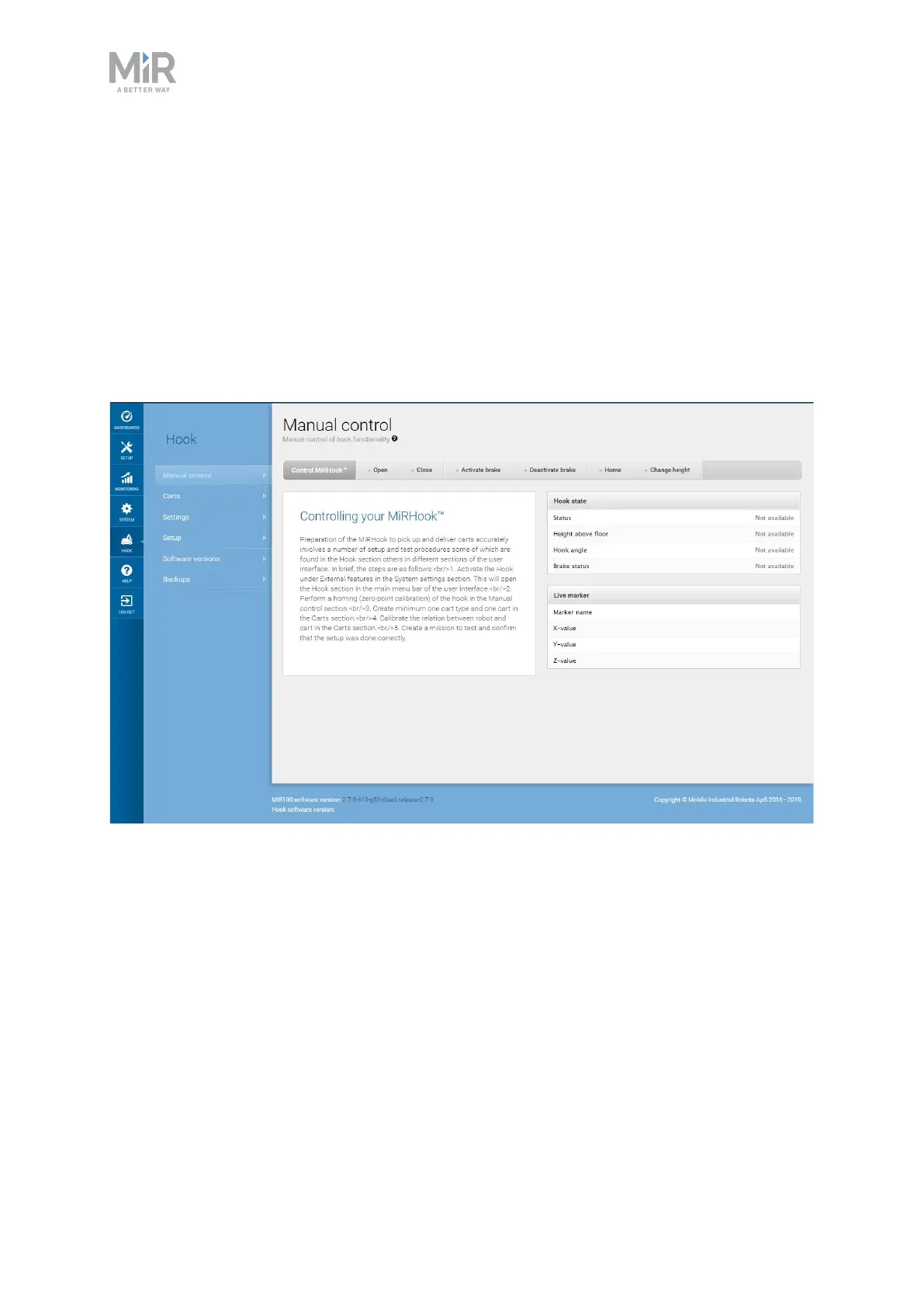
Under Hook > Manual control, select the following listed actions, and verify that the hook
performs as described:
• Open: opens the hook gripper.
• Close: closes the hook gripper.
• Deactivate brake: allows horizontal movement of the hook arm. Always deactivate the
brake when driving a robot with a cart is coupled to it.
• Activate brake: prohibits horizontal movement of the hook arm. Always activate the
brake when driving a robot that does not have a cart coupled to it.
• Home: sets the hook to home position (390 mm height).
• Change height: sets the current height of the arm.



 To Next Page