4. Getting started
MiR100 Hook User Guide (en) 10/2020 - v.3.0 ©Copyright 2016-2020: Mobile Industrial Robots A/S. 46
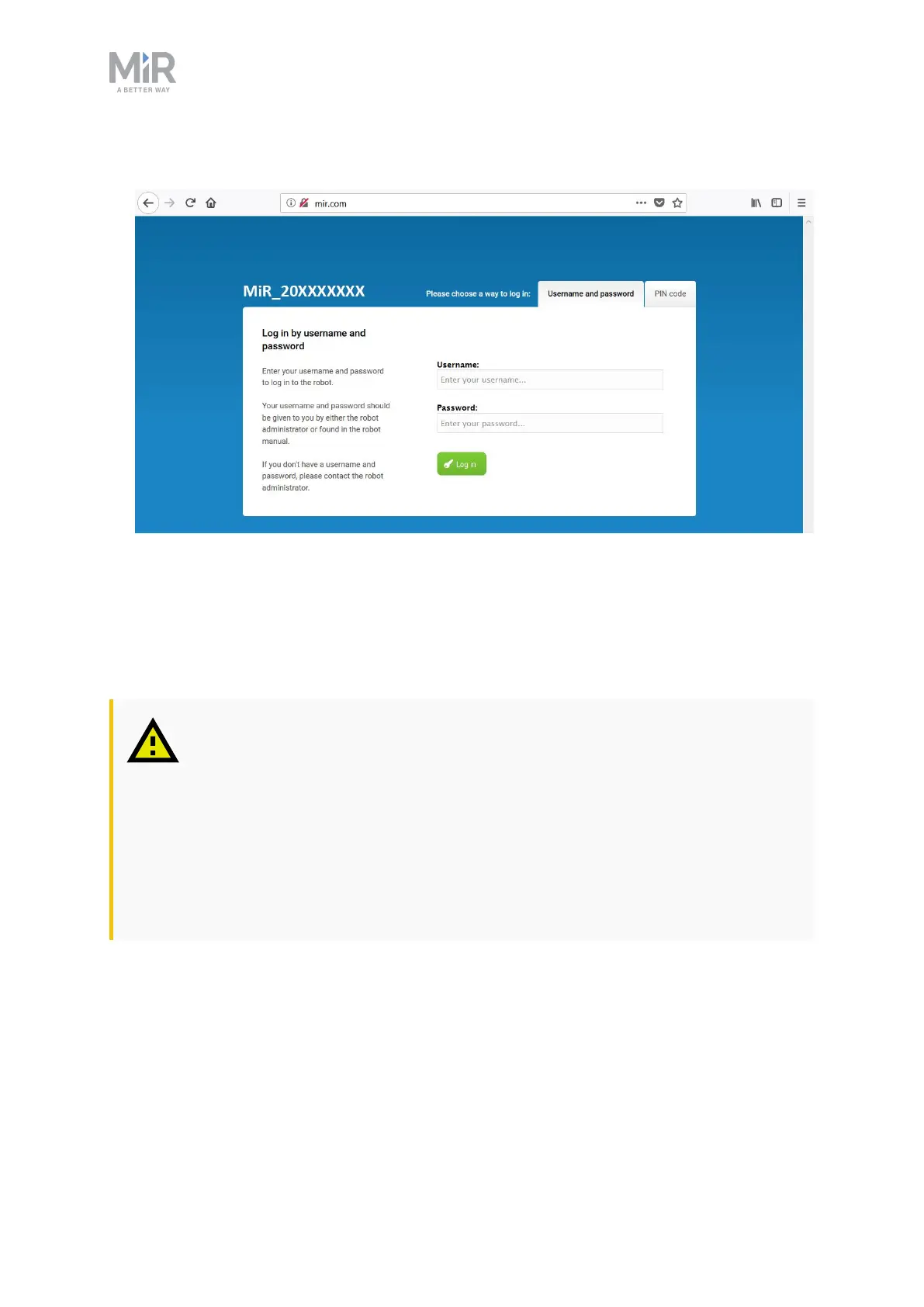
2. In a browser, go to the address mir.com and sign in.
3. Switch to Manual mode, and drive the robot down the ramp—see Driving the robot in
Manual mode below.
4.7 Driving the robot in Manual mode
CAUTION
When driving the robot in manual mode, it is possible to drive the robot into
Forbidden zones and Unpreferred zones on the map. This can result in injury to
personnel or damage to equipment if the robot is not driven carefully.
• Drive carefully to avoid collisions with any personnel or objects when
driving the robot in Manual mode.
• Avoid driving the robot manually without a clear visual of the robot.



 To Next Page