4. Getting started
MiR100 Hook User Guide (en) 10/2020 - v.3.0 ©Copyright 2016-2020: Mobile Industrial Robots A/S. 49
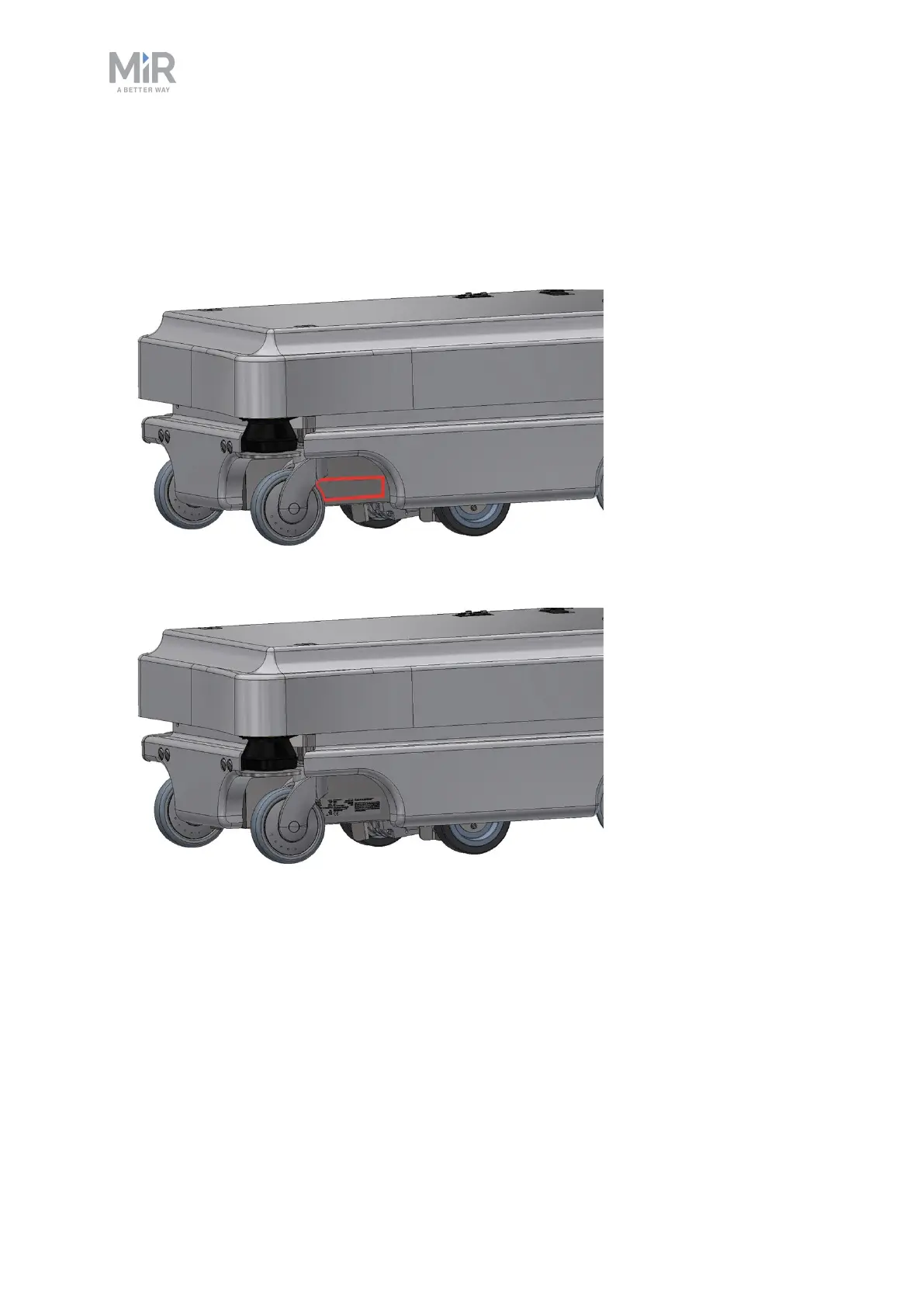
1. Locate the area below the side cover near the swivel wheel at the read end of the
robot—see External parts on page13.
2. Clean the area marked in the image below with a degreasing agent. If you cannot access
the area, either lift the robot to an appropriate height or remove the top cover to gain
access.
3. Mount the nameplate on the cleaned area.
4.10 Enable MiR100 Hook feature
To access the MiR100 Hook settings and mission menus, the MiR100 Hook features must be
enabled.Follow these steps to check that they are enabled:



 To Next Page