8. Safety system
MiR100 Hook User Guide (en) 10/2020 - v.3.0 ©Copyright 2016-2020: Mobile Industrial Robots A/S. 87
When the robot is in Protective or Emergency stop, the safety PLC shuts down the power for
the motor controllers on the hook. This means that the hook cannot brake, open, and close
the gripper, or raise and lower the hook.
8.6 MiR Hook 100 safety functions
When MiR Hook 100 is mounted to MiR100, the electrical top interfaces are no longer
accessible.
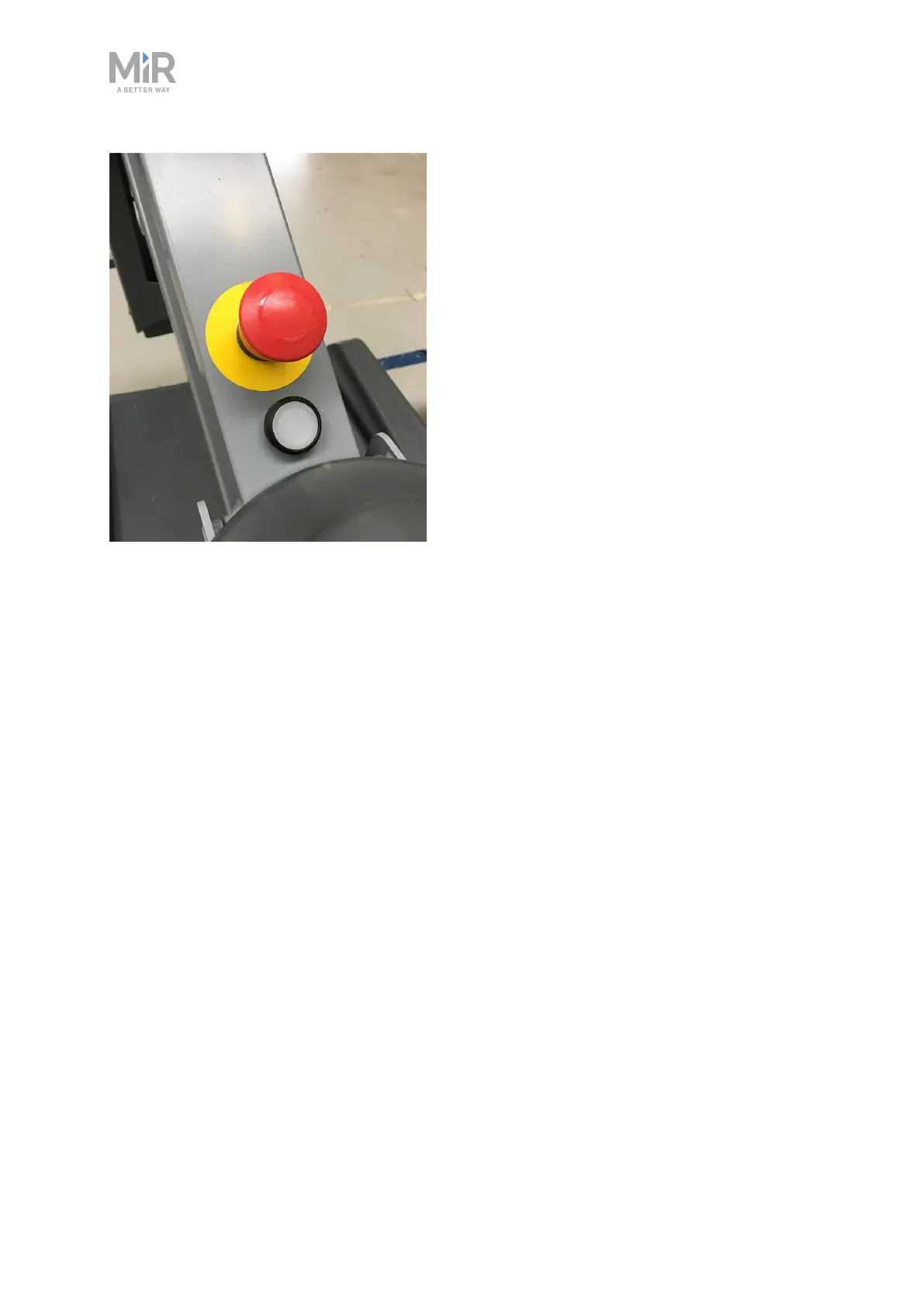
The interfaces are used to communicate with the hook and connect to the Emergency stop
button.
Component monitoring
The hook computer monitors the components within the hook to ensure they are operating
correctly and the hook does not pose a risk to nearby personnel. If the computer detects any
discrepancies or errors from the hook components, it relays this information to the robot
computer via the Ethernet connection, and the robot enters Protective stop if the error
indicates that the hook cannot be controlled reliably.
Reduced speed
When MiR100 Hook picks up a cart, the maximum speed of the robot is reduced to 1.5 m/s.



 To Next Page