8. Safety system
MiR100 Hook User Guide (en) 10/2020 - v.3.0 ©Copyright 2016-2020: Mobile Industrial Robots A/S. 82
Figure 8.1. Overview of components involved in each safety function and interface. When a safety function is
triggered, the safety PLCswitches the STO and brake relays so the brakes, motors, and safe power supply to the
top module no longer receive power.
8.2 Collision avoidance
The collision avoidance function prevents the robot from colliding with personnel or
obstacles by stopping it before it collides with any detected obstacles. It does this using the
safety laser scanners.
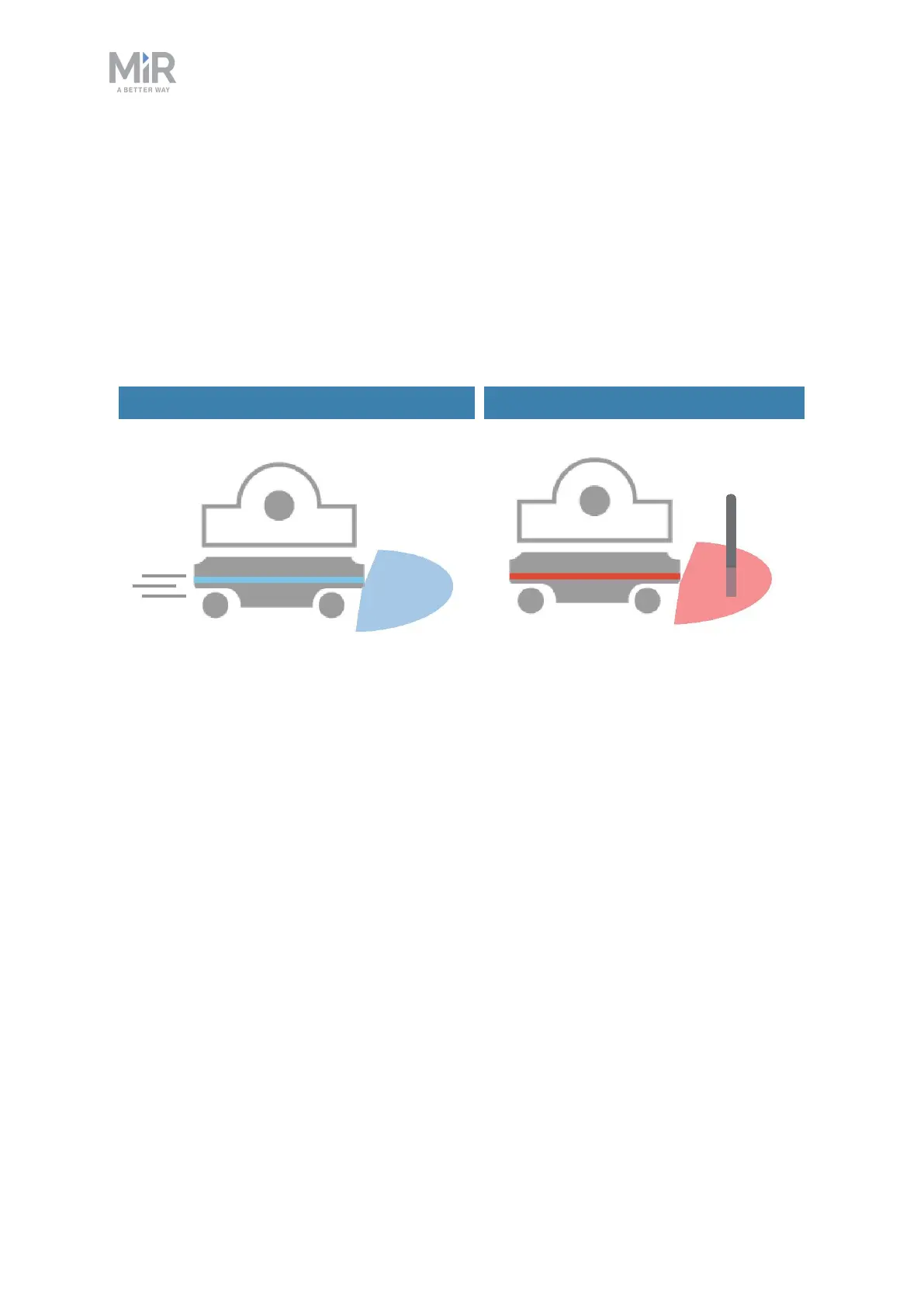
Drives when the area is clear Stops when an obstacle is detected
Figure 8.2. Collision avoidance ensures that the robot drives when its path is clear and stops if an obstacle is
detected within its protective field.
The safety laser scanners are programmed with two sets of protective fields.One field set is
used when the robot is driving forward and the other when it is driving backward. The
protective field sets are part of the robot’s Personnel detection safety function. Each
Protective field in the sets is an individually configured contour around the robot. The robot
activates the correct field based on the speed. If a person or object is detected within the
active Protective field, the robot enters Protective stop until the Protective field is cleared of
obstacles for at least two seconds.
The tables in the following sections show the sizes of the Protective fields at given speeds.
The faster the robot moves, the larger the scanners' field is. The speed of the robot is
determined based on the encoder data.



 To Next Page