9. Commissioning
MiR100 Hook User Guide (en) 10/2020 - v.3.0 ©Copyright 2016-2020: Mobile Industrial Robots A/S. 99
Figure 9.4. Example of an AprilTag.
The recommended size of an AprilTag is 80 x 80 mm. The system accepts any other sizes
between 80 mm to 300 mm. When you use a large sized tag, the real limit is whether the
camera can see the AprilTag or not.
It is required that at least 25 mm of empty white space surrounds the AprilTag.
The tag size is a global parameter so all tags used by MiR100 Hook must have the same sizes
if they are in the same site.
AprilTags can be generated in different patterns and classified in different tag families. Tag
family 36h11 has 587 unique IDs and is the only tag family supported by MiR100 Hook. When
MiR100 Hook is identifying carts, the ID of the AprilTag is used as the name of the tag as
well as the cart. The ID could, for example, be apriltag6.
9.6 Calibrate cart
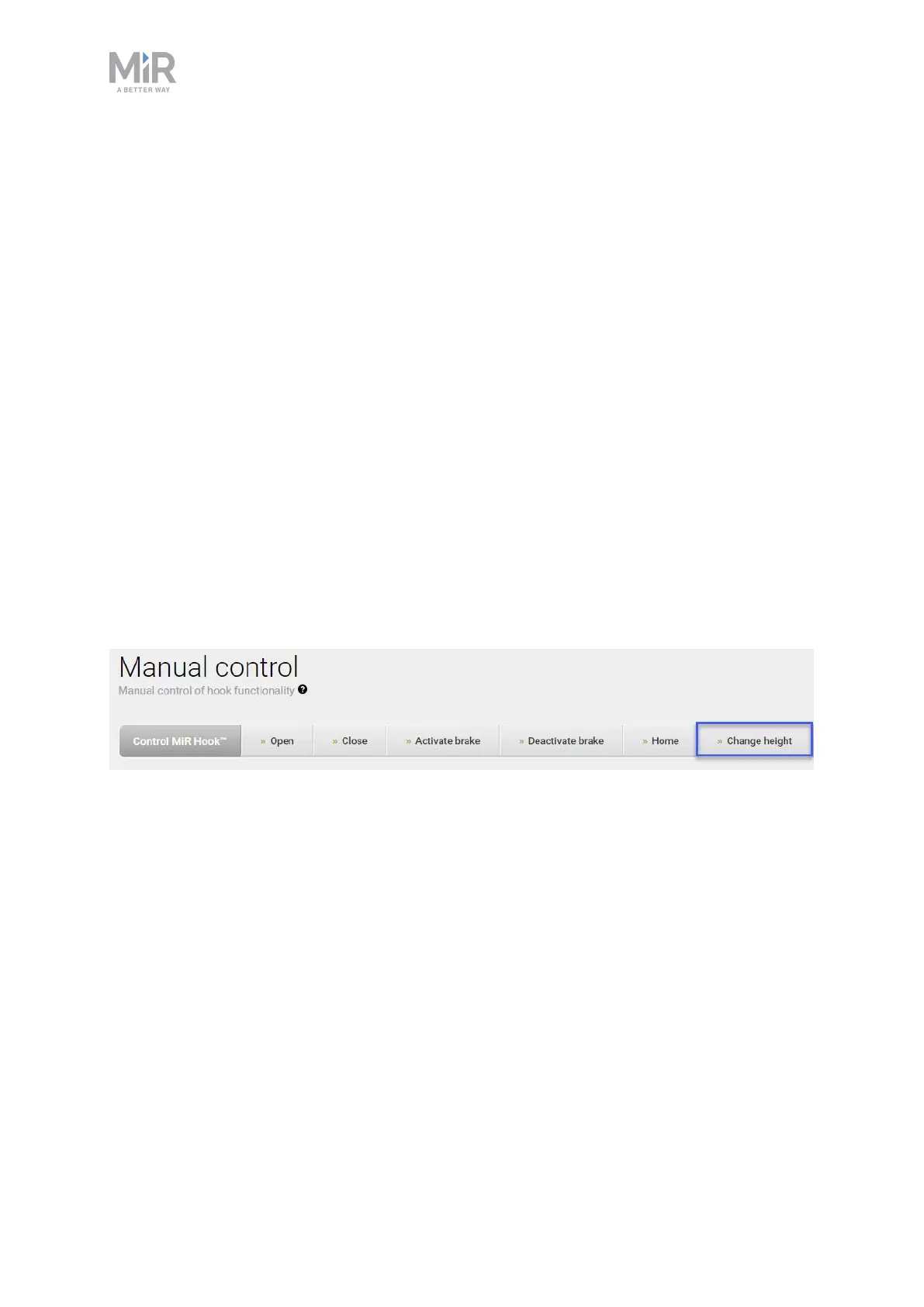
It is important to calibrate the relation between the robot and the cart. In the Manual
control menu under Hook, enter values into the Change height field to define entry and
lock heights for the hook to use when docking to and gripping a cart.
When a value is entered in Change height and confirmed, the hook will move up or down
depending on the chosen value. The value represents the height from the bottom of the hook
to the ground (mm).
1. Insert a height which enables the hook to go underneath the cart. This is known as the
Entry height. Remember the value as you will need it when defining the dimensions of
the cart.
2. Place the cart over MiR100 Hook.
3. Now enter a height which enables the hook to grip the bottom frame (gripper bar)
without lifting or pushing the cart. This step may require some trial and error until you
have the correct height. This height value is known as the Lock height, and is also used
when defining the dimensions of the cart.



 To Next Page