4. Getting started
MiR100 Hook User Guide (en) 10/2020 - v.3.0 ©Copyright 2016-2020: Mobile Industrial Robots A/S. 37
5. Remove the two screws on the back of the hook.
6. Remove the hook from the pallet.
4.3 Connecting the battery
Follow these steps to connect the battery to the robot:
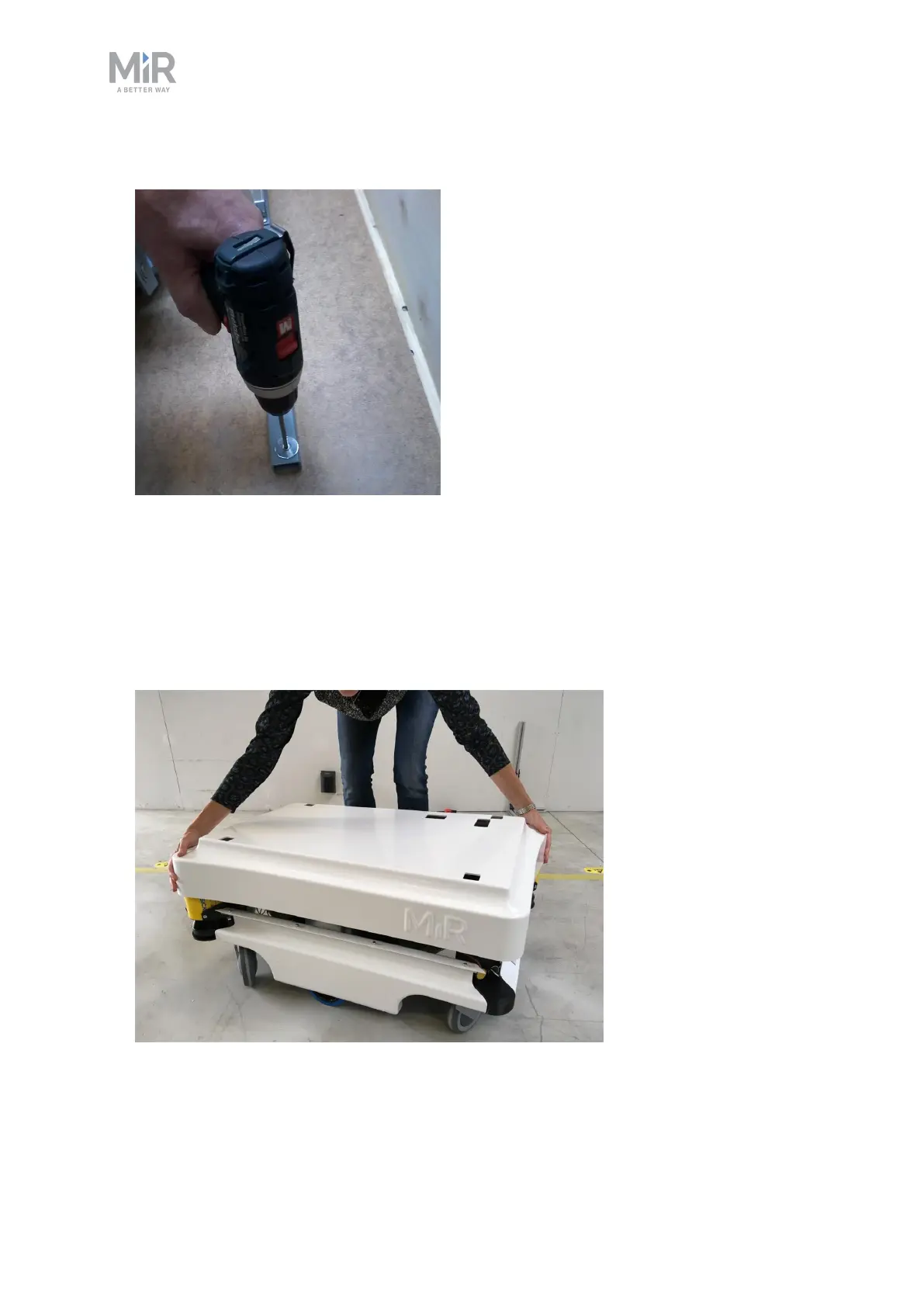
1. Grab the two rounded corners and carefully lift off the cover.



 To Next Page