4. Getting started
MiR100 Hook User Guide (en) 10/2020 - v.3.0 ©Copyright 2016-2020: Mobile Industrial Robots A/S. 38
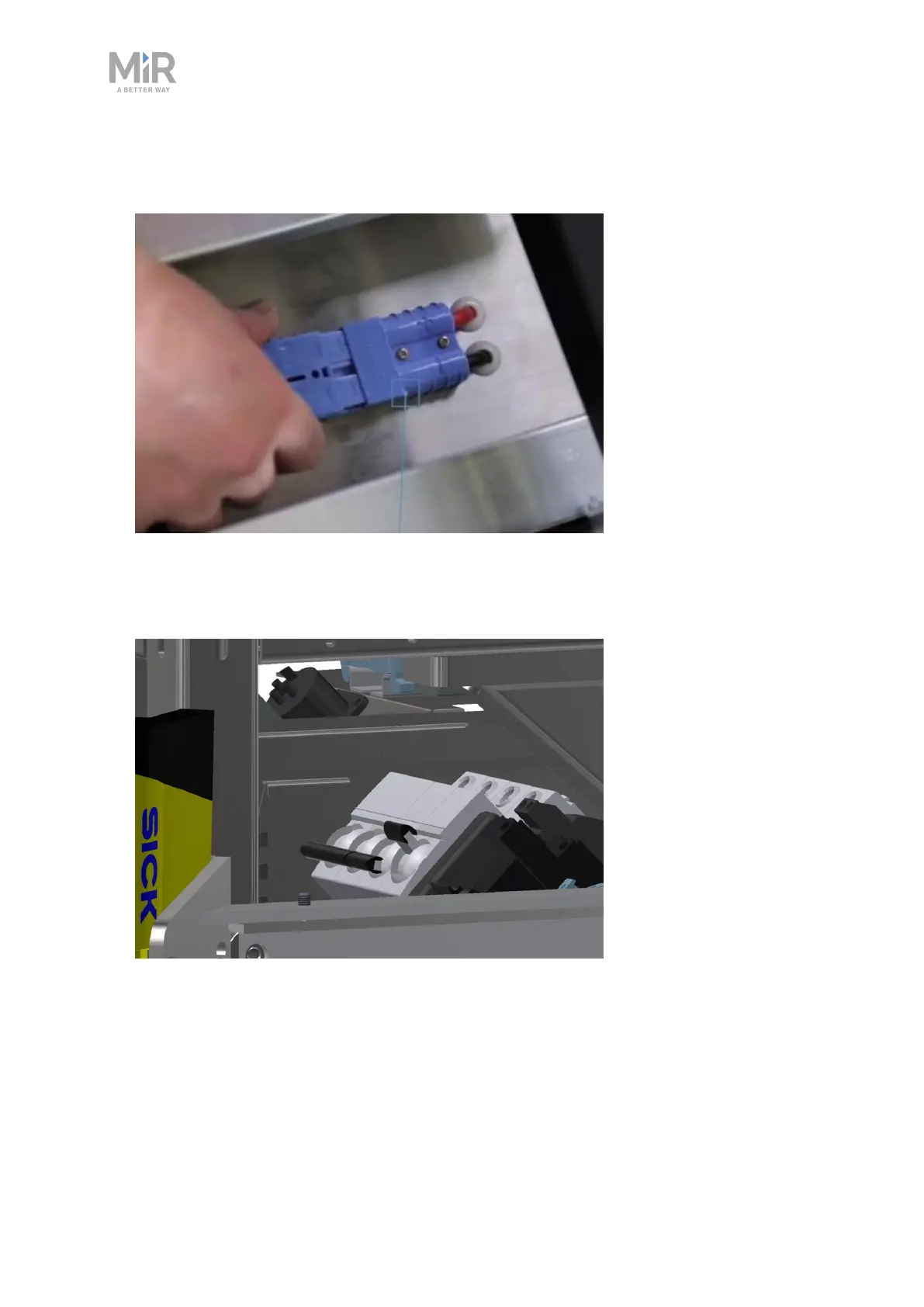
2. Connect one of the two battery cables to the plug on top of the battery box. The second
cable is for an extra battery.
3. Switch on the three relays placed in the corner by the front laser scanner. Start with the
outer relay that is closest to the robot frame, and continue towards the center of the
robot. The outer relay if the 32 A main power relay.



 To Next Page