5. Battery and charging
MiR100 Hook User Guide (en) 10/2020 - v.3.0 ©Copyright 2016-2020: Mobile Industrial Robots A/S. 56
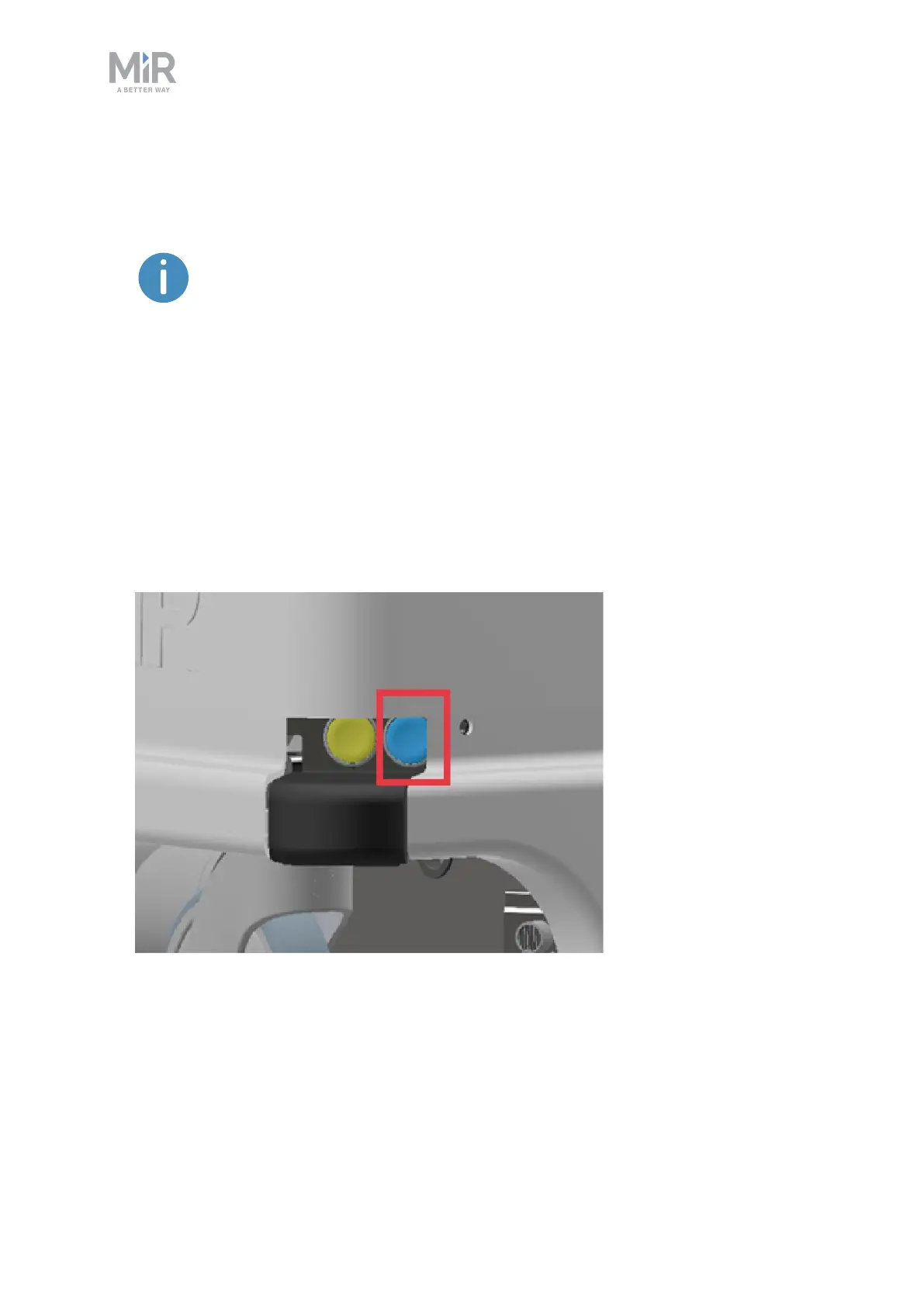
4. Turn off the rocker switch and disconnect the charging cable from the robot. Slide the
corner cover back on.
The robot detects both cable and activated charging-button. If either the
charging switch is turned on or the cable charger is connected, the robot
enters Protective stop.
For information about the charging time, see specifications on the MiR website.
5.2 Disconnecting the battery
Whenever the robot is to be transported, undergo maintenance, or stored for long periods of
time, you should always disconnect the battery.
Follow these steps to disconnect the battery:
1. Turn off the robot.



 To Next Page